Switching DRAPI to HTTPS + hostname
Move DRAPI from http://127.0.0.1:8880 to https://ldat05.domino.com.tw:8880.
Goal: closer to a production setup (like an HTTPS IdP such as ADFS).
Local environment: Domino 12.0.2, DRAPI v1.1.7, certificate = Let's Encrypt wildcard
*.domino.com.tw.
Key concept: a KYR is not consumed by DRAPI directly
- Domino HTTP (443) over HTTPS → uses KYR / certstore (the Domino HTTP task).
- DRAPI (8880) is a separate server; its TLS is configured independently and does not accept
.kyr. Supported: PEM (used here), PFX, JKS, or certstore.nsf.
So you need a PEM (cert + key) first, or put the cert into certstore.nsf. Here we use the existing cert.pem + key.pem from the infra team.
Steps
1. Verify the certificate (cert/key pairing, validity, domain)
openssl x509 -in cert.pem -noout -subject -issuer -dates -ext subjectAltName
# Pairing check: same fingerprint = a matching pair
openssl x509 -in cert.pem -pubkey -noout | openssl sha256
openssl pkey -in key.pem  -pubout    | openssl sha256
CN=*.domino.com.tw, signed by Let's Encrypt (browsers already trust it), cert.pem has 2 certs (server + intermediate), cert/key fingerprints match ✅.
2. Enable HTTPS for DRAPI — two ways (pick one)
Option A: PEM files
Put cert.pem, key.pem under the Domino data dir (e.g. C:\HCL\Domino1202\Data\drapicerts\),
and add tls.json in keepconfig.d:
{
  "TLSType": "pem",
  "TLSFile": "C:/HCL/Domino1202/Data/drapicerts/key.pem",
  "PEMCert": "C:/HCL/Domino1202/Data/drapicerts/cert.pem"
}
TLSFile = private key, PEMCert = certificate chain
Option B: managed by certstore.nsf (verified, recommended)
Cert/key never touch the filesystem — managed by Certificate Manager, and can auto-renew via ACME.
1. load certmgr to create certstore.nsf (if not present)
2. Package cert + key into PKCS12 (use -legacy, otherwise Domino can't read OpenSSL 3's newer format):
openssl pkcs12 -export -legacy -inkey key.pem -in cert.pem \
  -name "ldat05.domino.com.tw" -out drapi.p12 -passout pass:<p12-password>
LDAT05/TheNet), then save
4. Change keepconfig.d/tls.json to:
{ "TLSCertStore": true, "TLSCertStoreName": ["*.domino.com.tw"] }
TLSCertStoreName matches the Host Name in certstore; for a wildcard cert use *.domino.com.tw)
Restart DRAPI (
tell restapi quit/load restapi). Verify:openssl s_client -connect 127.0.0.1:8880 -servername ldat05.domino.com.twshould present that cert.⚠️ Mind the inbound/outbound split: certstore only handles DRAPI's own HTTPS (inbound); "DRAPI trusting an external IdP (outbound)" does not use certstore — use the JVM truststore — see
憑證信任重現與排查.md.
3. Edit hosts (point the hostname to localhost)
C:\Windows\System32\drivers\etc\hosts (open as Administrator), add:
127.0.0.1 ldat05.domino.com.tw
4. Test HTTPS (not login yet)
Open https://ldat05.domino.com.tw:8880/admin/ui/login in the browser — expect 🔒 with no warning (Let's Encrypt is trusted).
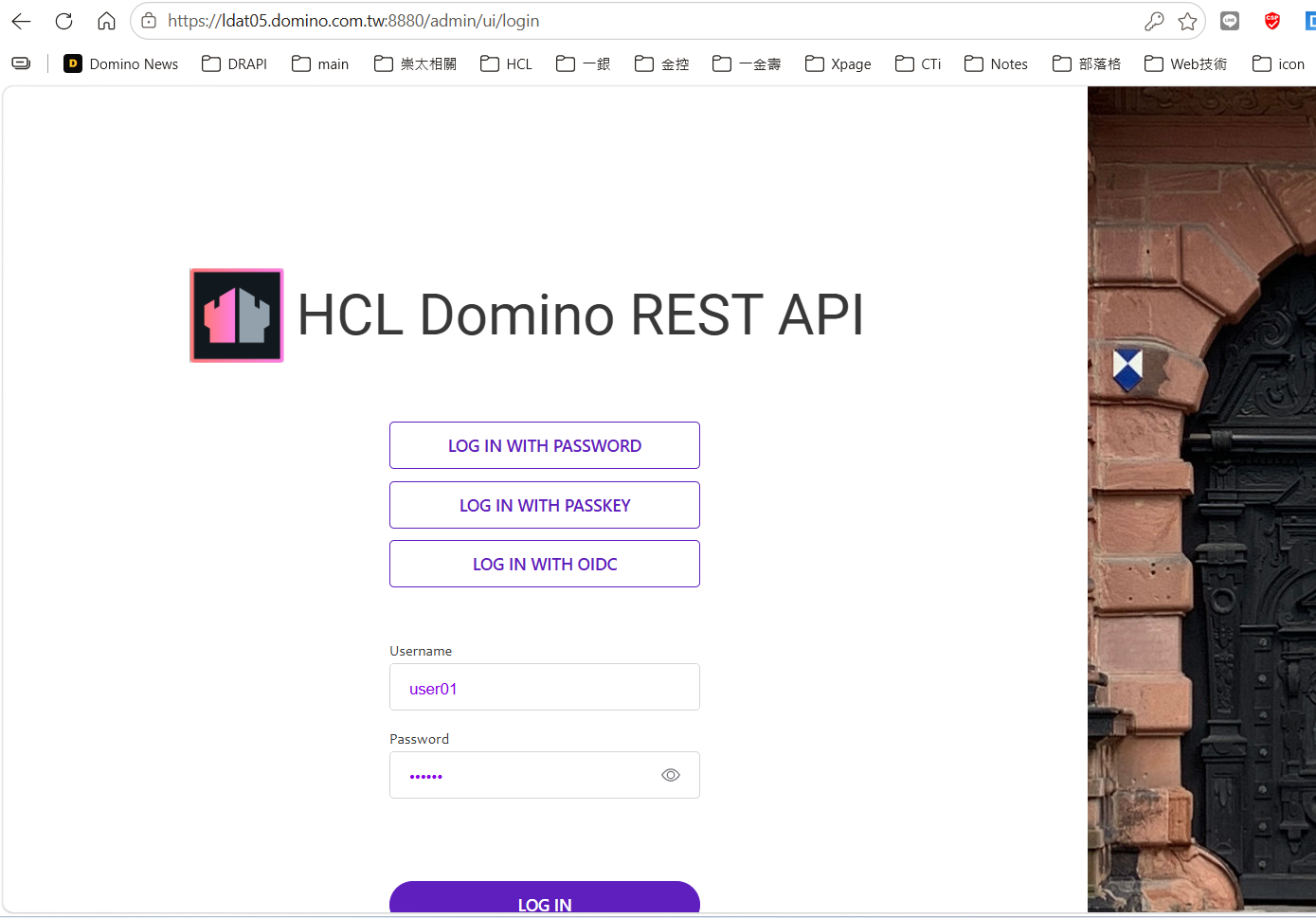
Note: over HTTPS the login page gains a LOG IN WITH PASSKEY button (WebAuthn requires HTTPS), so the layout shifts.
5. The origin changed → update these too (OIDC breaks otherwise)
- Keycloak → keepadminui → Valid redirect URIs — add:
https://ldat05.domino.com.tw:8880/admin/ui/* - DRAPI CORS (
keepconfig.d/cors.json) — add the new origin:"^https:\\/\\/ldat05\\.domino\\.com\\.tw:8880$": true providerUrlstays the same (the IdP is Keycloak, unrelated to DRAPI's own scheme).
6. Test OIDC login
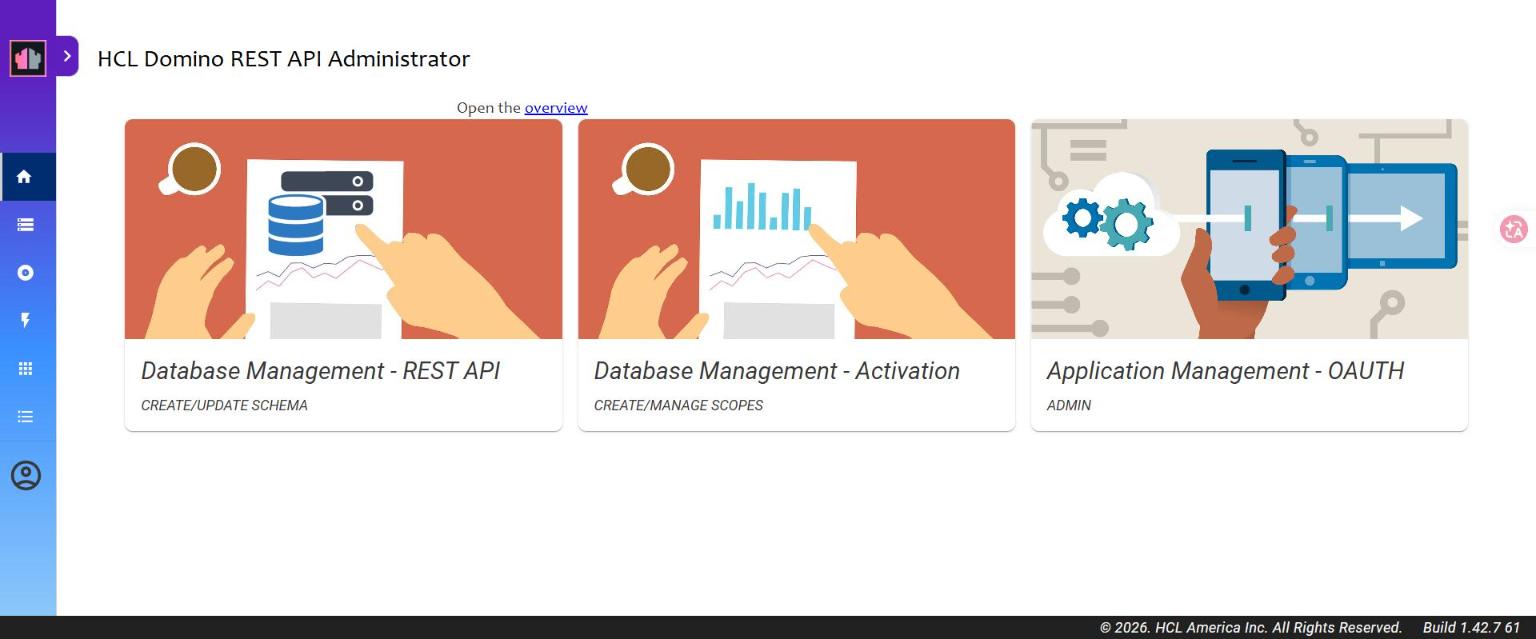
Login page → LOG IN WITH OIDC → pick keycloak-drapi → LOG IN → done.
Gotchas
| Symptom | Cause / fix |
|---|---|
| Keycloak redirect URI "looks saved but doesn't take effect" | Only counts when you see the "Client successfully updated" toast |
We are sorry... Invalid parameter: redirect_uri |
keepadminui missing https://<host>:8880/admin/ui/* (or not saved) |
| HTTPS page fetch blocked (mixed content) | Here DRAPI(HTTPS)→Keycloak(HTTP) is a full-page redirect — verified not blocked; only front-end fetches would hit this |
Reminder: Let's Encrypt certs expire in 90 days; after the infra team renews, update
drapicerts\cert.pem/key.pemand restart DRAPI.