DRAPI OIDC certificate trust: reproduce & diagnose
Key finding: DRAPI (Java) trusts an external IdP's certificate via its own JVM truststore (
<Domino>\jvm\lib\security\cacerts) — not certstore.nsf, not the Windows cert store, not the chain the IdP sends.
Background
Scenario: DRAPI integrates with an external IdP (ADFS here, HTTPS); after entering the password at the IdP and being redirected back to DRAPI, you get
Error fetching token. Please try again.
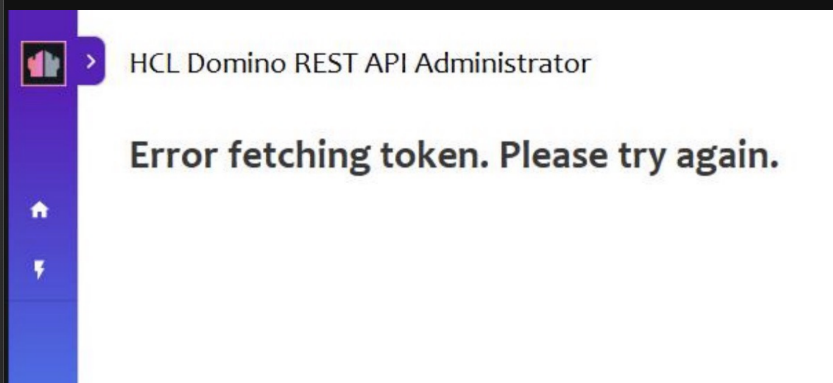
To pin down the root cause, we reproduced the same class of "DRAPI doesn't trust the IdP cert" issue locally using a self-signed HTTPS Keycloak.
Key concept: two trust layers, used at different steps
| Trust layer | When | Failure symptom |
|---|---|---|
| Browser trusts the IdP | front-end redirect to the IdP, front-end fetches metadata | redirect blocked / Error initiating authorization request |
| DRAPI (Java) trusts the IdP | backend fetch metadata, exchange token, fetch JWKS | provider fails to load / Error fetching token |
- The user can "reach the ADFS password page" → browser layer OK (corporate machines trust ADFS).
- But after returning,
Error fetching token→ the DRAPI (Java) layer doesn't trust it ← this is what to fix.
Reproduction (local Keycloak)
1. Make Keycloak serve HTTPS with a self-signed cert
On the Keycloak host (WSL):
ip=$(hostname -I | awk '{print $1}')
openssl req -x509 -newkey rsa:2048 -nodes -keyout kc-key.pem -out kc-cert.pem \
  -days 825 -subj "/CN=keycloak-test" -addext "subjectAltName=IP:$ip"
bin/kc.sh start-dev \
  --https-certificate-file=$HOME/kc-cert.pem \
  --https-certificate-key-file=$HOME/kc-key.pem
2. Prove "not trusted" (reproduce the PowerShell behavior)
From the DRAPI host:
curl   https://<keycloak>:8443/realms/drapi/.well-known/openid-configuration  → HTTP 000 (fails, not trusted)
curl -k https://<keycloak>:8443/realms/drapi/.well-known/openid-configuration  → HTTP 200 (only passes when skipping verification)
This maps to "PowerShell curl fails, curl.exe works" — different tools use different trust mechanisms, which is misleading.
3. Point DRAPI at the HTTPS Keycloak → reproduce the failure
Change providerUrl in keepconfig.d to https://<keycloak>:8443/realms/drapi, restart DRAPI.
Check …/api/v1/auth/idpList?configFor=adminui:
- The provider disappears from the list (only the built-in DRAPI remains) → on startup DRAPI can't fetch the https metadata (Java doesn't trust it).
- Forcing a login gets stuck at the token exchange → the same Error fetching token.
Fix (verified locally)
A. (key) Import the IdP's CA into DRAPI's JVM cacerts
# Use Domino's bundled keytool to import into the cacerts of the JVM DRAPI runs (default password changeit)
"<Domino>\jvm\bin\keytool" -import -trustcacerts -alias keycloak-test \
  -file kc-cert.pem \
  -keystore "<Domino>\jvm\lib\security\cacerts" -storepass changeit -noprompt
keycloak-drapi comes right back into idpList (with its https wellKnown) → proving DRAPI uses exactly this truststore.
A self-signed cert is its own root; in production (e.g. an ADFS internal CA) import both root + intermediate (use distinct aliases).
B. Browser layer (only needed for self-signed; the user usually already has this)
A self-signed cert isn't trusted by the browser either → import into the OS trusted roots:
certutil -addstore -user -f Root kc-cert.pem
The user's ADFS is already trusted on corporate machines, so this layer is usually fine — they're only missing A.
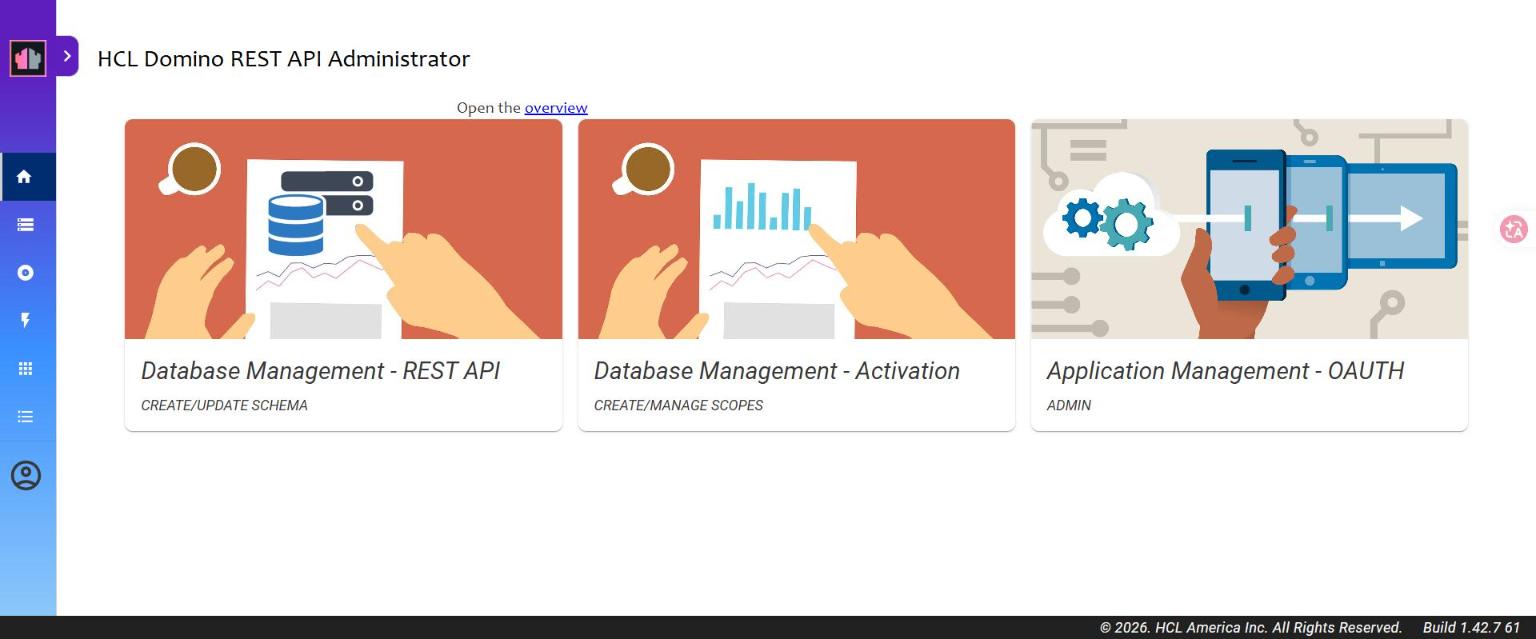
Result: full login success ✅
Does certstore.nsf work? (tested: no)
To check whether we could avoid touching cacerts and use certstore.nsf instead, an isolation test:
load certmgrto createcertstore.nsf- Import the same self-signed cert under Trusted Roots (Paste Certificate → whole block incl.
BEGIN/END→ Submit Request → Issued) - Remove that cert from the JVM cacerts (
keytool -delete), leaving only the certstore path - Restart DRAPI → check idpList
Result: keycloak-drapi did not appear → DRAPI does not trust it.
Conclusion: DRAPI's outbound OIDC connection does not read certstore.nsf Trusted Roots.
Reason: DRAPI (Java) goes outbound via JSSE, which reads only the JVM truststore; certstore.nsf Trusted Roots feed the
Domino C engine's TLS cache (HTTP task, idpcat), which KEEP/DRAPI's outbound path doesn't use.
(Note: DRAPI's own HTTPS inbound can use certstore's TLSCertStore — that's a different thing, don't conflate them.)
⚠️ Upgrade note: editing the shipped
jvm\lib\security\cacertsgets overwritten on a Domino/JVM upgrade. For production prefer a self-managed truststore +-Djavax.net.ssl.trustStore=...(survives upgrades), or re-do the cacerts import as part of the upgrade process.
Why "I added the intermediate but it still doesn't work"
Most likely one of:
- Wrong place: added to certstore.nsf / Windows / the ADFS side, but DRAPI only honors the JVM cacerts. ← prime suspect
- Only the intermediate, not the root: keytool's trust anchor is the root CA; without the root, PKIX still can't build a path.
- Wrong cacerts / no restart: not the JVM DRAPI runs, or overridden by
-Djavax.net.ssl.trustStore; or no restart after importing.
Diagnosis steps
# 1) See the real error (add DEBUG_OIDCLogin=1 to notes.ini, restart, then log in)
#    PKIX / unable to find valid certification path → cert trust (continue below)
#    invalid_client / 401                          → it's a client secret issue instead

# 2) See what certs ADFS actually sends (verify the chain matches what you imported)
"<Domino>\jvm\bin\keytool" -printcert -sslserver <ADFS-host>:443

# 3) Import ADFS's "root + intermediate" into DRAPI's JVM cacerts, restart
"<Domino>\jvm\bin\keytool" -import -trustcacerts -alias adfs-root \
  -file adfs-root.cer -keystore "<Domino>\jvm\lib\security\cacerts" -storepass changeit
Wording note: on "Domino 12.0.2 + DRAPI 1.1.7" we verified the JVM cacerts approach works. So the safest advice is "make sure ADFS's CA (root + intermediate) is in DRAPI's JVM truststore, then restart".
One-line summary
Reaching the password page but getting
Error fetching token= the browser trusts ADFS, but DRAPI (Java) doesn't. The fix is to import ADFS's root + intermediate CA into DRAPI's JVM cacerts and restart — don't just drop it into certstore/Windows.