DRAPI 改用 HTTPS + 主機名
把 DRAPI 從 http://127.0.0.1:8880 改成 https://ldat05.domino.com.tw:8880。
目的:更貼近正式環境(如 ADFS 這類 HTTPS IdP 的場景)。
本機實作環境:Domino 12.0.2、DRAPI v1.1.7、憑證為 Let's Encrypt 萬用憑證
*.domino.com.tw。
重要觀念:KYR 不直接給 DRAPI 用
- Domino HTTP(443) 走 HTTPS → 用 KYR / certstore(Domino 的 HTTP task)。
- DRAPI(8880)是獨立 server,TLS 要單獨設定,不吃
.kyr檔。 支援格式:PEM(本案採用)、PFX、JKS,或 certstore.nsf。
所以要先有 PEM(cert + key) 或把憑證放進 certstore.nsf。本案用系統部既有的 cert.pem + key.pem。
步驟
1. 驗證憑證(cert 與 key 是否配對、效期、網域)
openssl x509 -in cert.pem -noout -subject -issuer -dates -ext subjectAltName
# 配對驗證:兩個指紋相同 = 一組
openssl x509 -in cert.pem -pubkey -noout | openssl sha256
openssl pkey -in key.pem  -pubout    | openssl sha256
CN=*.domino.com.tw、Let's Encrypt 簽(瀏覽器本來就信任)、cert.pem 含 2 張(伺服器 + 中繼)、cert/key 指紋相同 ✅。
2. DRAPI 開 HTTPS —— 兩種方式(擇一)
方式 A:PEM 檔
把 cert.pem、key.pem 放到 Domino 資料目錄(例:C:\HCL\Domino1202\Data\drapicerts\),
在 keepconfig.d 新增 tls.json:
{
  "TLSType": "pem",
  "TLSFile": "C:/HCL/Domino1202/Data/drapicerts/key.pem",
  "PEMCert": "C:/HCL/Domino1202/Data/drapicerts/cert.pem"
}
TLSFile = 私鑰、PEMCert = 憑證鏈
方式 B:certstore.nsf 管理(實測可行,推薦)
憑證/私鑰不落地檔案系統,由 Certificate Manager 統一保管、還能接 ACME 自動續期。
1. load certmgr 建立 certstore.nsf(若尚無)
2. 把憑證+私鑰打包成 PKCS12(要加 -legacy,否則 Domino 讀不了 OpenSSL 3 的新格式):
openssl pkcs12 -export -legacy -inkey key.pem -in cert.pem \
  -name "ldat05.domino.com.tw" -out drapi.p12 -passout pass:<p12密碼>
LDAT05/TheNet),存檔
4. keepconfig.d/tls.json 改成:
{ "TLSCertStore": true, "TLSCertStoreName": ["*.domino.com.tw"] }
TLSCertStoreName 對應 certstore 裡的 Host Name;萬用憑證就填 *.domino.com.tw)
重啟 DRAPI(
tell restapi quit/load restapi)。驗證:openssl s_client -connect 127.0.0.1:8880 -servername ldat05.domino.com.tw應送出該憑證。⚠️ 注意 inbound/outbound 之分:certstore 只管 DRAPI 自己的 HTTPS(inbound); 「DRAPI 信任外部 IdP(outbound)」不吃 certstore,要用 JVM truststore — 見
憑證信任重現與排查.md。
3. 改 hosts(主機名指到本機)
C:\Windows\System32\drivers\etc\hosts(以系統管理員開)加:
127.0.0.1 ldat05.domino.com.tw
4. 測 HTTPS(先不測登入)
瀏覽器開 https://ldat05.domino.com.tw:8880/admin/ui/login,應有 🔒、無警告(Let's Encrypt 受信任)。
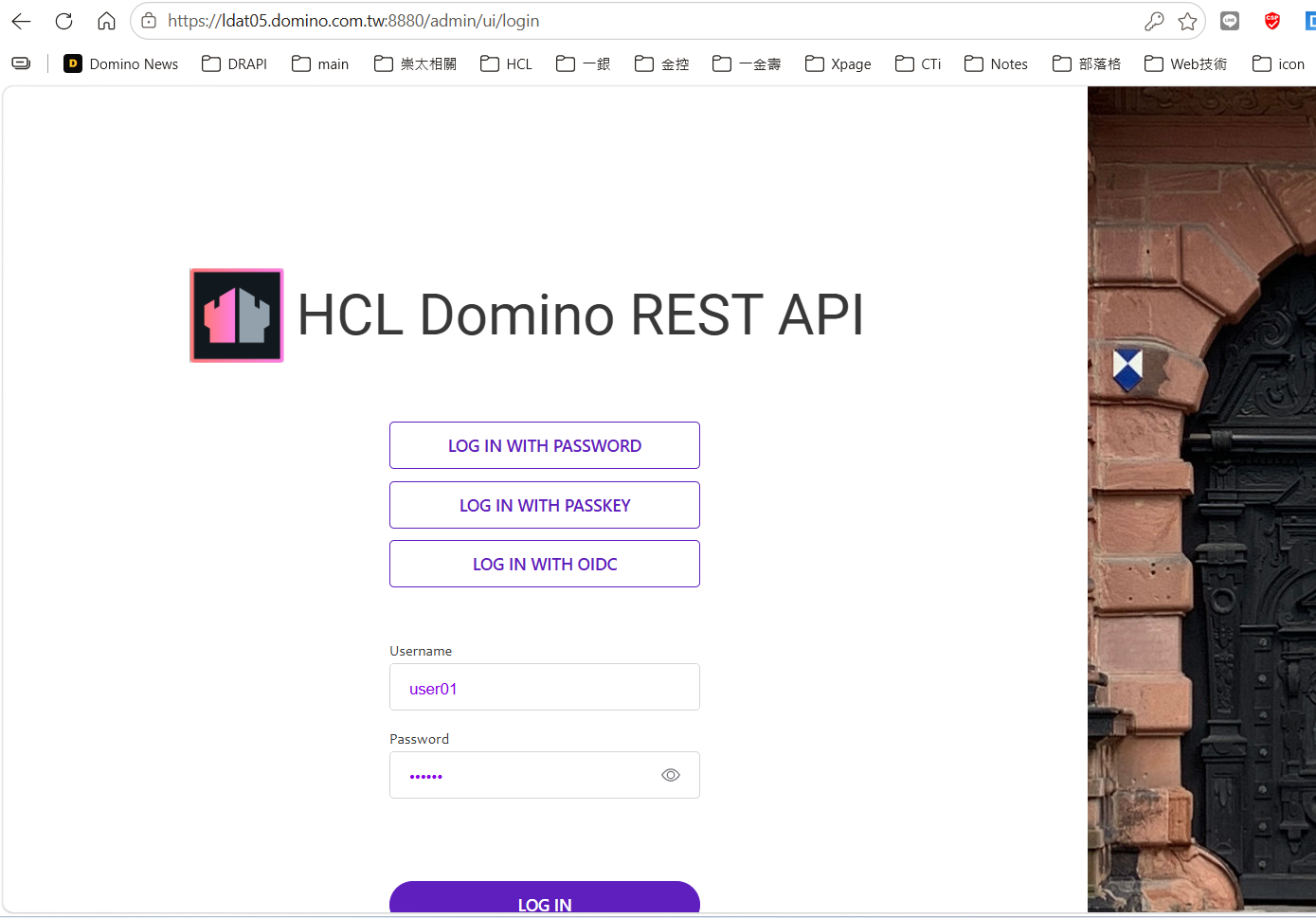
注意:HTTPS 下登入頁會多出 LOG IN WITH PASSKEY 按鈕(WebAuthn 需 HTTPS 才啟用),版面位置會位移。
5. origin 變了 → 連動更新(不改 OIDC 會壞)
- Keycloak → keepadminui → Valid redirect URIs 加上:
https://ldat05.domino.com.tw:8880/admin/ui/* - DRAPI CORS(
keepconfig.d/cors.json) 加上新 origin:"^https:\\/\\/ldat05\\.domino\\.com\\.tw:8880$": true providerUrl不用改(IdP 是 Keycloak,與 DRAPI 自己的 scheme 無關)。
6. 測 OIDC 登入
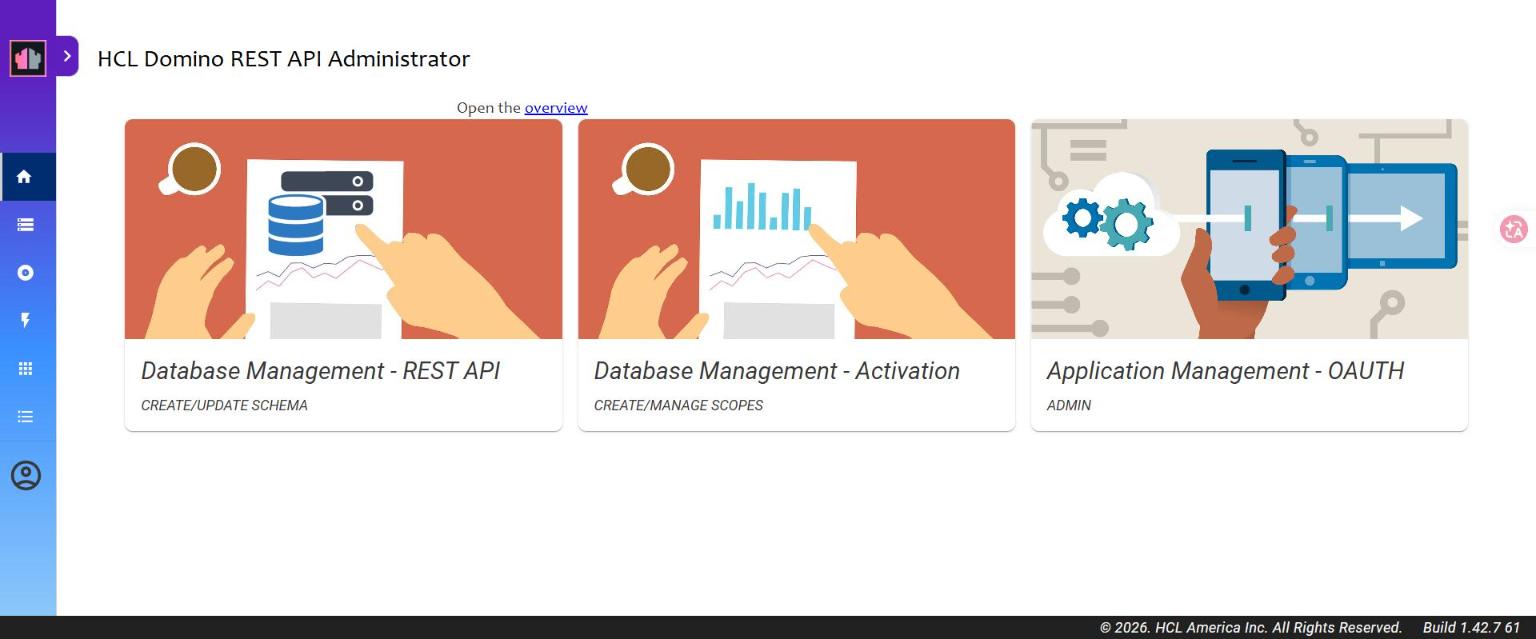
登入頁 → LOG IN WITH OIDC → 選 keycloak-drapi → LOG IN → 完成。
踩雷點
| 症狀 | 原因 / 解法 |
|---|---|
| Keycloak 存 redirect URI「看似存了卻沒生效」 | 要看到 「Client successfully updated」 toast 才算數 |
We are sorry... Invalid parameter: redirect_uri |
keepadminui 沒加 https://<host>:8880/admin/ui/*(或沒存成功) |
| HTTPS 頁面 fetch 被擋(mixed content) | 本案 DRAPI(HTTPS)→Keycloak(HTTP) 的跳轉是整頁導向,實測沒被擋;若前端 fetch 才會遇到 |
提醒:Let's Encrypt 憑證 90 天到期,系統部換發後要更新
drapicerts\的cert.pem/key.pem並重啟 DRAPI。