NotesSAXParser Deep Dive — LotusScript Streaming XML Parsing, 12 SAX Events, On Event Binding
TL;DR
NotesSAXParser — HCL: “Processes input XML as a series of events using a SAX (Simple API for XML) parser.” Introduced in Release 6, not supported in COM.
Four things to internalize:
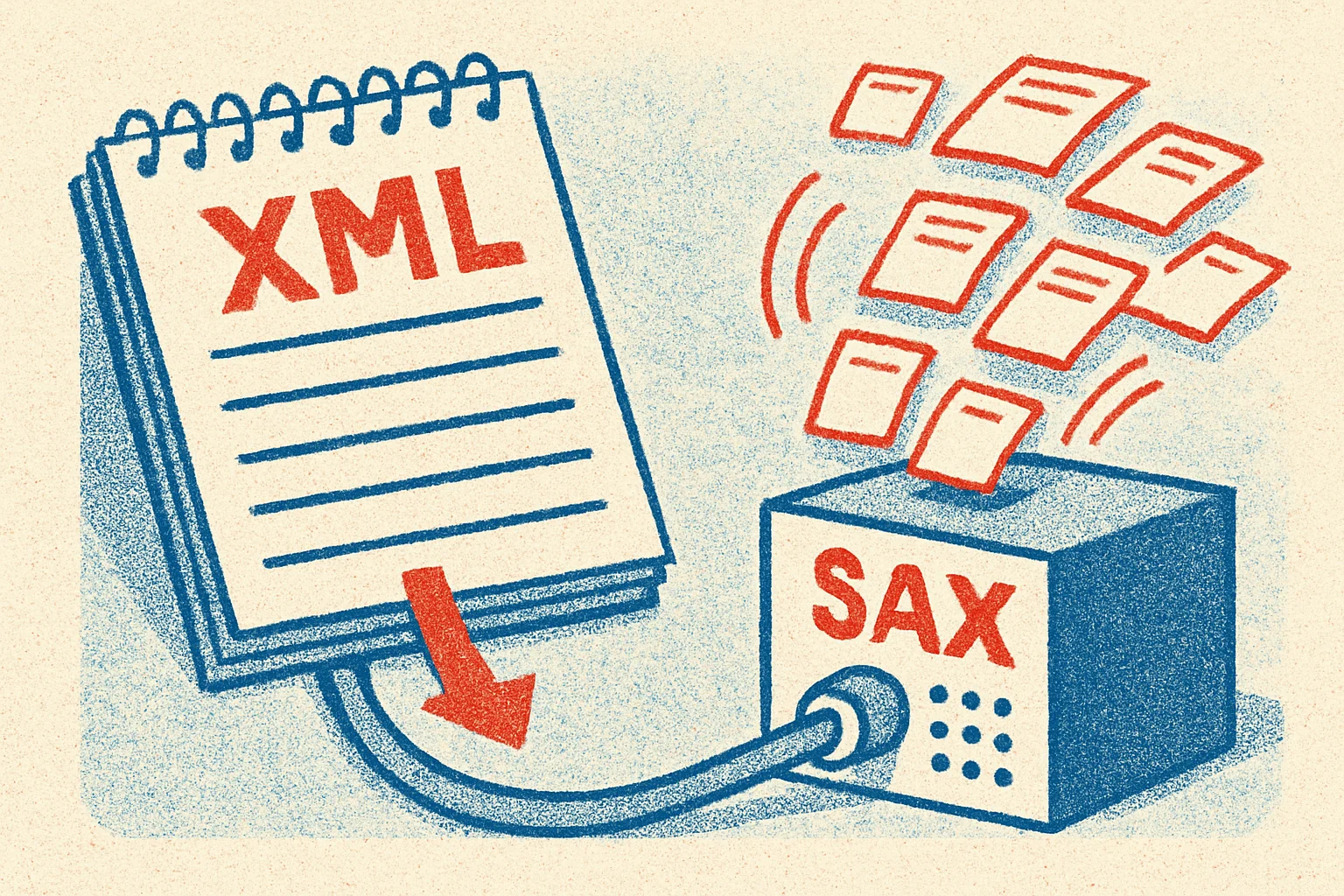
- SAX is “event-driven streaming” while DOM is “load the whole tree.” SAX fires events as it reads — the whole XML never lives in memory at once — so it’s the right choice for large files
- Twelve SAX_ events*: StartDocument / EndDocument / StartElement / EndElement / Characters / IgnorableWhiteSpace / ProcessingInstruction / Comment / Error / Warning / FatalError / NotationDecl, etc.
- You bind handlers using LotusScript’s
On Eventsyntax — not the traditional callback registration; this is LS’s built-in event-handler mechanism SAX_Characterscan fire multiple times for the same text run — the parser flushes whenever its internal buffer fills up; you have to accumulate
If you only need to read XML (not modify) or the file is too big to load via DOM, SAX is the answer.
SAX vs DOM — fundamentally different shapes
Why both exist:
| Aspect | SAX | DOM |
|---|---|---|
| Model | Event-driven streaming | Whole tree loaded into memory |
| Memory | Constant (regardless of file size) | Proportional to file size |
| Traversal | Forward-only, single pass | Random access in any direction |
| Modification | Can’t modify the XML | Yes |
| Best for | Large files / read-only / extract specific elements | Small files / random access / modifying |
DOM loads the entire XML into memory as a tree — you can walk anywhere, change anything, serialize it back. SAX doesn’t build a tree — it fires events as it reads through:
Reads <book> → fires SAX_StartElement("book", attrs)Reads "harry" → fires SAX_Characters("harry")Reads </book> → fires SAX_EndElement("book")Your code is the handler for these events. Once handled, that chunk of content gets GC’d.
Starting from NotesSession.CreateSAXParser
Dim session As New NotesSessionDim saxParser As NotesSAXParserDim xml_in As NotesStreamDim xml_out As NotesStream
Set xml_in = session.CreateStreamCall xml_in.Open("c:\data\input.xml")
Set xml_out = session.CreateStreamCall xml_out.Open("c:\data\output.txt")Call xml_out.Truncate
Set saxParser = session.CreateSAXParser(xml_in, xml_out)
CreateSAXParser(input, output) takes two streams — input is the XML to parse, output is where your SAX handlers write logs / reports (you can also pass Nothing and just Print directly from handlers).
The 12 SAX_* events
Per the official docs, NotesSAXParser fires these 12 events:
| Event | When it fires |
|---|---|
SAX_StartDocument | Parsing begins |
SAX_EndDocument | Parsing completes |
SAX_StartElement | Reading a <tag> start tag |
SAX_EndElement | Reading a </tag> end tag |
SAX_Characters | Reading text content (may fire multiple times for one text run) |
SAX_IgnorableWhiteSpace | DTD-marked ignorable whitespace |
SAX_ProcessingInstruction | A <?target data?> processing instruction |
SAX_NotationDecl | DTD notation declaration |
SAX_UnparsedEntityDecl | DTD unparsed entity |
SAX_ResolveEntity | Resolving an external entity |
SAX_Error | A non-fatal error |
SAX_Warning | A warning |
SAX_FatalError | A fatal error — parser stops |
In practice, 90% of code uses the first five (Start/EndDocument, Start/EndElement, Characters) plus the three error handlers.
On Event binding
LotusScript SAX handlers aren’t registered via traditional callbacks — they use LS’s built-in On Event syntax:
On Event SAX_StartElement From saxParser Call MyStartElementHandlerOn Event SAX_EndElement From saxParser Call MyEndElementHandlerOn Event SAX_Characters From saxParser Call MyCharactersHandlerOn Event SAX_FatalError From saxParser Call MyFatalErrorHandlerSyntax: On Event <event-name> From <source-object> Call <handler-sub-name>. The handler Sub can have any valid LS name — you don’t have to call it SAX_StartElement or whatever.
The handler Sub’s signature must match the event’s payload. For example, SAX_StartElement’s handler signature is:
Sub MyStartElementHandler(Source As NotesSAXParser, Namespace As String, _ LocalName As String, QName As String, Attributes As NotesSAXAttributeList) Print "Start: " & QName ' Use Attributes to retrieve element attributesEnd SubSAX_Characters signature:
Sub MyCharactersHandler(Source As NotesSAXParser, Chars As String, Start As Long, Length As Long) Print "Text chunk: " & Mid(Chars, Start + 1, Length)End SubSource, Namespace, LocalName, etc. — the parameter order and types must be exact — wrong signature throws a type mismatch at runtime.
A complete example
Extract <book> titles and authors and emit a simple report (adapted from HCL’s official example):
Option Public
Dim currentElement As String   ' Module-level — shared across handlersDim currentBook As StringDim currentTitle As String
Sub Initialize    Dim session As New NotesSession    Dim saxParser As NotesSAXParser    Dim xml_in As NotesStream
    Set xml_in = session.CreateStream    If Not xml_in.Open("c:\data\books.xml") Then        Print "Cannot open input"        Exit Sub    End If
    Set saxParser = session.CreateSAXParser(xml_in, Nothing)
    ' Bind four handlers    On Event SAX_StartElement From saxParser Call OnStartElement    On Event SAX_EndElement   From saxParser Call OnEndElement    On Event SAX_Characters   From saxParser Call OnCharacters    On Event SAX_FatalError   From saxParser Call OnFatalError
    Call saxParser.Parse()
    Print "Done"End Sub
Sub OnStartElement(Source As NotesSAXParser, Namespace As String, _        LocalName As String, QName As String, Attributes As NotesSAXAttributeList)    currentElement = LocalName    currentTitle = ""             ' Reset buffer on entering a new element
    If LocalName = "book" Then        currentBook = ""        ' Pull the id attribute from the Attributes list        Dim i As Integer        For i = 0 To Attributes.Length - 1            If Attributes.GetLocalName(i) = "id" Then                Print "Book id = " & Attributes.GetValue(i)            End If        Next i    End IfEnd Sub
Sub OnCharacters(Source As NotesSAXParser, Chars As String, _        Start As Long, Length As Long)    ' Characters may fire multiple times for one text run — accumulate    If currentElement = "title" Then        currentTitle = currentTitle & Mid(Chars, Start + 1, Length)    End IfEnd Sub
Sub OnEndElement(Source As NotesSAXParser, Namespace As String, _        LocalName As String, QName As String)    If LocalName = "title" Then        Print "  Title: " & currentTitle    End IfEnd Sub
Sub OnFatalError(Source As NotesSAXParser, Description As String, _        SystemId As String, PublicId As String, LineNumber As Long, ColumnNumber As Long)    Print "FATAL at line " & LineNumber & ": " & DescriptionEnd Sub
Things to notice:
- Module-level variables for state — handlers can’t pass locals to each other; share state via module-scope
Dim currentElementtracks which tag we’re inside — SAX has no “current position” concept; you maintain it yourselfcurrentTitleaccumulates —<title>Harry Potter</title>might fire Characters three times: “Harry”, ” Pot”, “ter” (depending on parser buffer size)Attributes.GetLocalName(i)/Attributes.GetValue(i)—NotesSAXAttributeListgives you indexed attribute access
Five pitfalls
1. SAX_Characters fires multiple times for one text run — always accumulate
<title>The Lord of the Rings</title>Intuition says Characters will receive the complete string “The Lord of the Rings” once — wrong. The parser flushes whenever its internal buffer fills, so you might see:
- First call: “The Lord”
- Second call: ” of the Ri”
- Third call: “ngs”
Correct pattern: reset the buffer in StartElement, accumulate in Characters, use it in EndElement:
Sub OnStartElement(...)    currentText = ""End Sub
Sub OnCharacters(Source, Chars, Start, Length)    currentText = currentText & Mid(Chars, Start + 1, Length)End Sub
Sub OnEndElement(...)    Print currentText  ' Now it's completeEnd Sub
The #1 SAX newbie mistake.
2. State requires module-level variables — locals can’t cross handlers
SAX handlers can’t pass locals between each other (each handler is its own Sub). State has to go through module-level (Option Public-declared) variables.
The typical pattern in a SAX agent: a bunch of Dim currentX As String declarations at the top, handlers communicating through them.
3. Forgetting to bind SAX_FatalError — silent failure on malformed XML
If your XML is malformed and you didn’t bind SAX_FatalError, the parser stops but you have no idea. Always bind these three at minimum:
On Event SAX_Error From saxParser Call OnErrorOn Event SAX_Warning From saxParser Call OnWarningOn Event SAX_FatalError From saxParser Call OnFatalErrorSkipping this turns debugging into a nightmare.
4. Wrong handler parameter order or types — runtime type mismatch
LotusScript doesn’t check handler signatures against events at compile time — it’ll throw a type-mismatch at runtime instead. Copy the standard signatures from the docs verbatim — SAX_StartElement is always (Source As NotesSAXParser, Namespace As String, LocalName As String, QName As String, Attributes As NotesSAXAttributeList), for example.
5. SAX is read-only — you can’t modify the XML
SAX is a forward-only streaming design — you can’t change the XML content. To modify, use DOM. To emit a modified version while reading, you’d have to manually re-emit XML in StartElement / EndElement / Characters handlers — but at that point DOM would be cleaner.
NotesSAXAttributeList — pulling attributes
The Attributes parameter to SAX_StartElement is a NotesSAXAttributeList object with this API:
| API | Purpose |
|---|---|
Length | Total number of attributes |
GetLocalName(i) | Local name of the i-th attribute |
GetQName(i) | Qualified name (with prefix) of the i-th attribute |
GetURI(i) | Namespace URI of the i-th attribute |
GetValue(i) | Value of the i-th attribute |
GetType(i) | DTD-declared type of the i-th attribute |
Typical iteration:
Dim i As IntegerFor i = 0 To Attributes.Length - 1 Print Attributes.GetLocalName(i) & " = " & Attributes.GetValue(i)Next iWhat about Java and SSJS?
| Language | Equivalent |
|---|---|
| LotusScript | NotesSAXParser + the 12 SAX_* event handlers |
| Java | lotus.domino.SAXParser — same SAX model, but with javadoc setHandler-style binding; Java can also drop down to standard javax.xml.parsers.SAXParserFactory for a richer ecosystem |
| SSJS (XPages) | Goes through Java imports — usually people skip lotus.domino.SAXParser and use javax.xml.parsers directly for the broader library support |
Java has two paths to choose from: lotus.domino.SAXParser (same model as LS) or javax.xml.parsers (standard Java, more libraries). LS doesn’t have that flexibility — NotesSAXParser is the only option.
Closing
SAX is the right tool for streaming / large-volume XML in LotusScript — constant memory, ideal for read-only scenarios. Three things to remember:
SAX_Charactersrequires accumulation — same text run may fire it multiple times- Use module-level variables for cross-handler state — locals don’t cross
- Always bind
SAX_FatalError— silent failure on bad XML is a debugging nightmare
The follow-up NotesDOMParser covers whole-tree loading, random-access traversal, modification, and serialization. The DOM vs SAX comparison lays out when to reach for each.