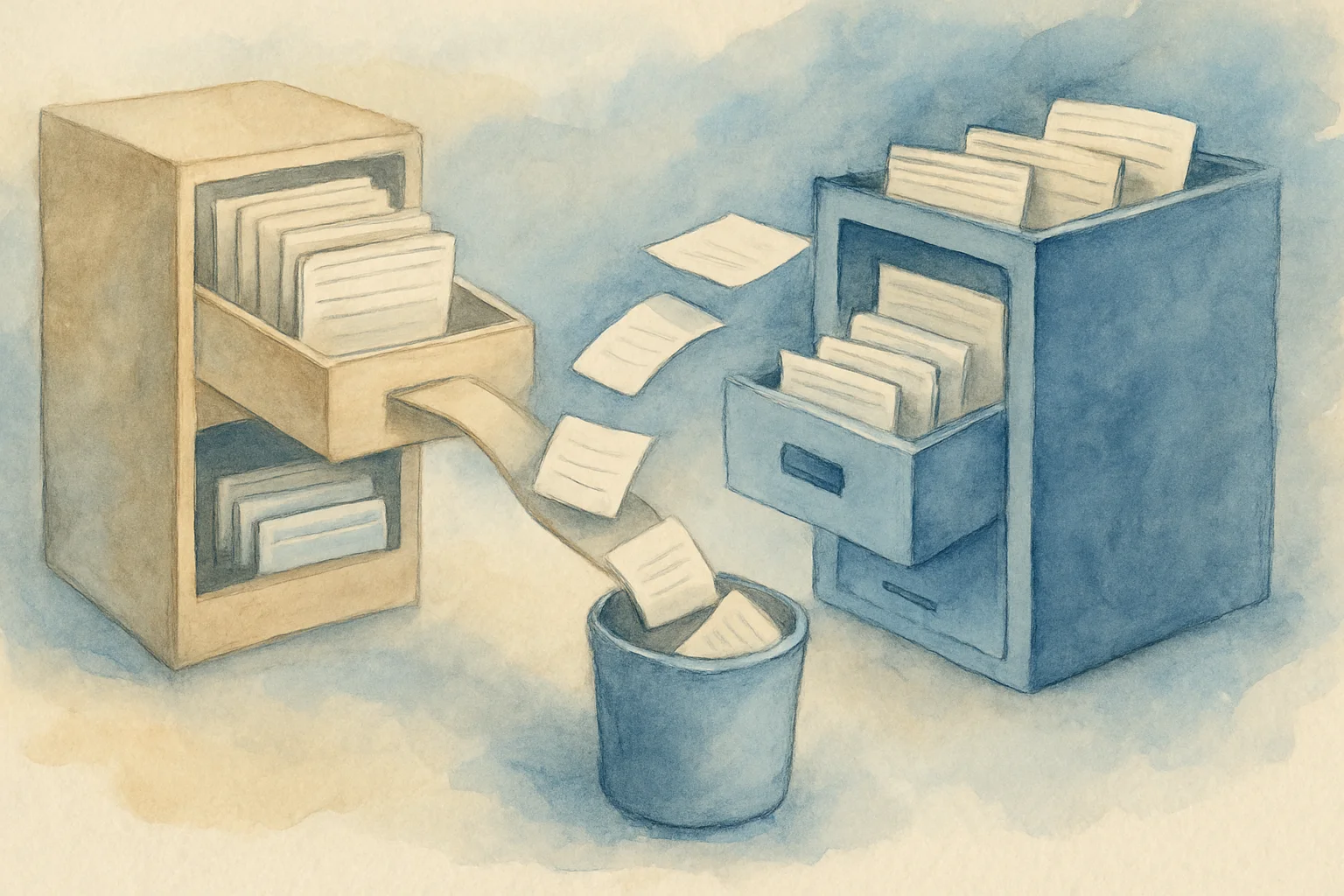
NIFNSF: Move View Indexes Out of the NSF
The last piece, DAOS, moved attachments out of the NSF. But an NSF usually bloats from a second thing too: view indexes. Every view maintains an index, and that index sits inside the .nsf, swelling the file and slowing backups.
NIFNSF (moving view indexes out of databases) handles the second one: it moves a database’s view indexes out of the .nsf into separate .ndx files. The NSF gets smaller and backup/restore gets faster (an .ndx can grow to 1 TB). And it has the exact same hard prerequisite DAOS does — transaction logging has to be on first (see Domino transaction logging).
TL;DR
- What it does: moves a database’s view indexes out of the
.nsfinto separate.ndxfiles. HCL’s wording: it makes the database file smaller (so it’s less likely to hit the size limit) and speeds up backup and restore. - Prerequisite: like DAOS, enable transaction logging first (the official procedure’s first step is “Enable transactional logging in the Server document”); and the database must be at ODS 51 or higher (verbatim: “To use this feature, databases must be at ODS version 51 or higher”).
- How to enable (12.0.2+): on the Server document’s NIFNSF tab — Store view indexes in NIFNSF, NIFNSF base path, Enable NIFNSF when creating new databases. The older notes.ini equivalents are
NIFNSFEnable=1,NIFBasePath=<path>,CREATE_NIFNSF_DATABASES=1; the Server document fields take precedence. Restart afterward. - Per database:
load compact -c -nifnsf on <db>.nsf(restart after) andload compact -c -nifnsf off <db>.nsf. - How to check:
show dir -nifnsf(all databases, whether each uses it, and the.ndxsize) andshow dir -nifnsfonly(only those using it). - Back to the DBIID: enabling per database uses the copy-style
-c— which reassigns the DBIID, so (as the transaction logging piece says) take a fresh full backup afterward.
What it does: view indexes → separate .ndx files
Every view has an index behind it, stored by default alongside the document data inside the .nsf. More views and more documents mean the index swells the NSF; backing the whole thing up is slower too.
NIFNSF moves that index out of the .nsf into a separate .ndx file (in the data directory by default; configurable). HCL’s two stated benefits are direct:
- The NSF gets smaller — without the index, the file is less likely to hit the 64 GB database size limit.
- Backup/restore gets faster — the
.nsfyou back up is smaller, and the index can be handled separately.
An .ndx can grow to 1 TB (in practice, a view large enough to hurt application responsiveness becomes the bottleneck well before that ceiling).
You’ll notice this is the same idea as DAOS: move the things that sit in the NSF but don’t have to be bound to the documents out of it. DAOS moves attachments; NIFNSF moves view indexes.
The prerequisites: transaction logging + ODS 51
Like DAOS, NIFNSF has two gates to clear first (official steps):
- Enable transaction logging first: the first step of the official procedure is “Enable transactional logging in the Server document in the Domino directory.” The reason is the same as for DAOS — the relationship between the NSF and the external
.ndxhas to be protected by the transaction log so crash recovery lines them back up (transaction logging itself is in the transaction logging piece). - ODS 51 or higher: verbatim, “To use this feature, databases must be at ODS version 51 or higher.” How to read and raise the ODS is in the ODS-versions piece — too-old databases need an ODS upgrade before NIFNSF will work.
How to enable: the Server document tab (12.0.2+)
From 12.0.2, the settings moved to the Server document’s NIFNSF tab; if both notes.ini and the Server document have settings, the Server document fields take precedence. (Those three fields require the server itself to be 12.0.2 or later and the Domino Directory to use a V12.0.2+ pubnames.ntf design to appear; older setups still use notes.ini.) The three fields map to the old notes.ini settings:
| Server document field | Old notes.ini | Purpose |
|---|---|---|
| Store view indexes in NIFNSF | NIFNSFEnable=1 | Turns on “index outside the database” (NIFNSFEnable: 1 = outside, 0 = inside, default 0) |
| NIFNSF base path | NIFBasePath=<path> | Where the .ndx files go (NIFBasePath, defaults to the data directory) |
| Enable NIFNSF when creating new databases | CREATE_NIFNSF_DATABASES=1 | Whether new databases get it (default: No) |
Restart the server after changing these.
Per-database enable/disable and checking
Once it’s on at the server level (or when you don’t want the whole server at once), you can work per database:
- Enable:
load compact -c -nifnsf on <db>.nsf, then restart. - Disable:
load compact -c -nifnsf off <db>.nsf. - Check:
show dir -nifnsflists all databases, whether each uses NIFNSF, and the.ndxsize;show dir -nifnsfonlylists only those using it.
Back to the DBIID: why enabling uses -c
Note that enabling NIFNSF per database uses the copy-style compact -c. As the transaction logging piece explains, copy-style (-c) rewrites the database and reassigns the DBIID, which invalidates the old log — so after enabling NIFNSF, take a fresh full backup to rebase on the new DBIID. It’s the same rule as DAOS using compact -c -daos on to move existing attachments and DBMT’s -ods: anything copy-style means a fresh backup afterward.
Wrap-up
- What it is: moves a database’s view indexes out of the
.nsfinto separate.ndxfiles; smaller NSF, faster backup/restore (.ndxup to 1 TB). - Prerequisites: transaction logging on first (the official first step) + ODS 51 or higher.
- How to enable (12.0.2+): the Server document NIFNSF tab (mapping to
NIFNSFEnable/NIFBasePath/CREATE_NIFNSF_DATABASES), Server document wins, restart afterward. - Per database:
load compact -c -nifnsf on/off; check withshow dir -nifnsf/-nifnsfonly. - DBIID: enabling per database uses copy-style
-c, which reassigns the DBIID → take a fresh full backup afterward — same rule as DAOS moving attachments and DBMT’s-ods. - The DAOS parallel: DAOS moves attachments, NIFNSF moves view indexes — both move what the NSF can’t hold out of it, and both need transaction logging first.
Sources
- Moving view indexes out of databases (NIFNSF: .ndx files, transaction logging required first, ODS 51+, the Server document NIFNSF tab, load compact -c -nifnsf on/off, show dir -nifnsf) — HCL Domino (official)
- NIFNSFEnable (notes.ini: 1 = store view indexes outside the database, 0 = inside, default 0, Server scope) — HCL Domino (official)
- NIFBasePath (notes.ini: where the .ndx files are stored, defaults to the data directory) — HCL Domino (official)