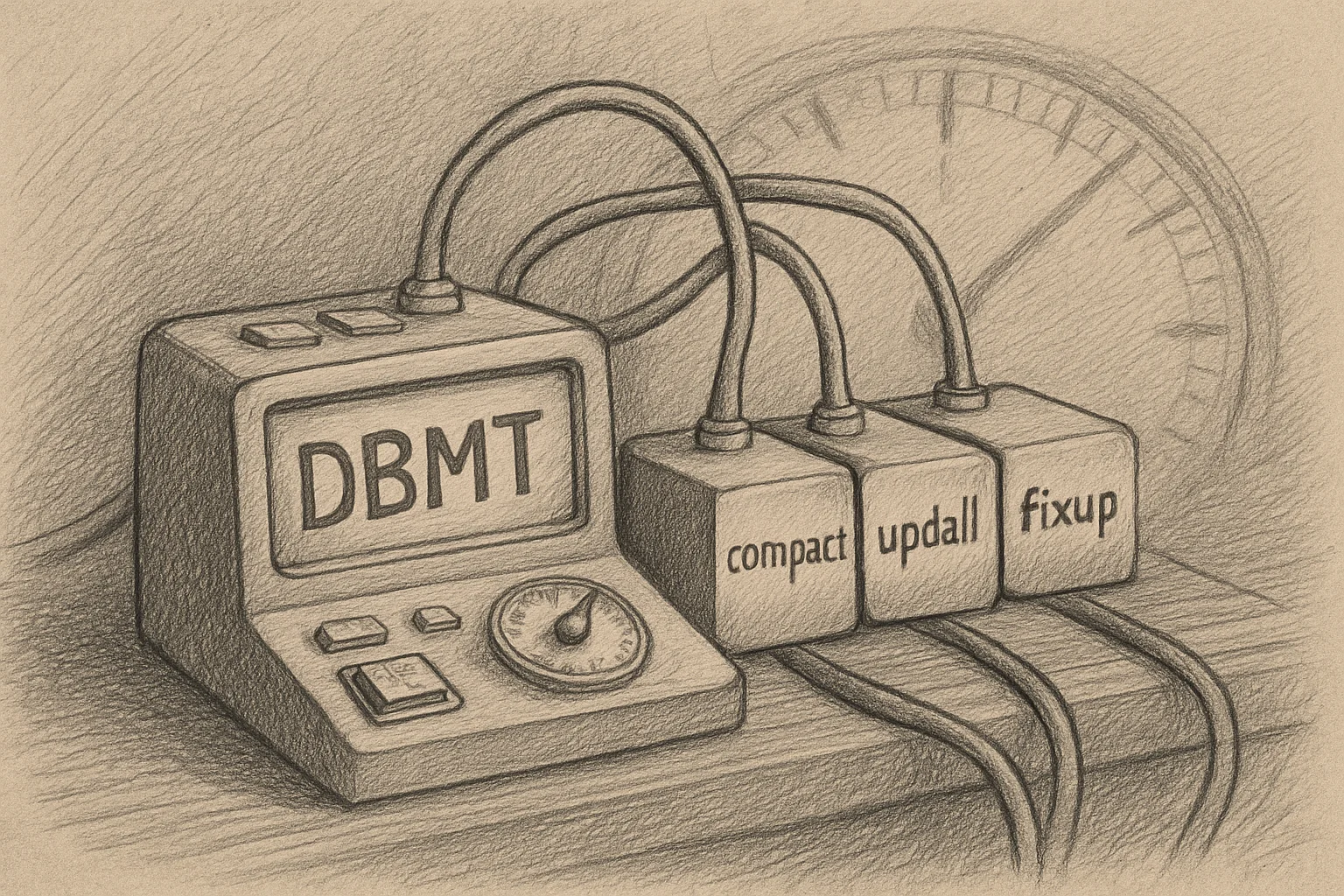
DBMT: One Command Replaces Nightly compact, updall, and fixup
The maintenance-commands piece walks you through compact, updall, and fixup one at a time. But nobody types those by hand at 2 AM in production — the old way was a pile of Program documents running updall nightly, plus a separate compact. From Domino 9, dbmt (the database maintenance tool) folds them into one: HCL puts it plainly — “The dbmt tool relieves the administrator of the need to run the Updall task” — doing compact + updall + (when needed) fixup in a single task, with thread counts, a time window, and a compact-every-n-days cadence to pace it.
TL;DR
- What it is: a maintenance task (Domino 9+) run from a Program document that folds compact + updall + fixup into one command, replacing “run updall nightly, plus a separate compact.”
- How you pace it: with thread counts (how many compact, how many updall), a time window (from/until), and a compact-every-n-days cadence; it exits when done.
- Compact side:
-ct(compact threads, 0 = no compacting, size it to the number of disks behind the data directory),-cnd(compact all non-system databases every n days),-tl(cap total compact minutes, doesn’t touch updall),-range/-stoptime(the window),-force(which weekday to run fixup on databases that keep failing to compact). - Updall side:
-ut(updall threads, 0 isn’t allowed),-ftiNdays(rebuild full-text indexes every n days; by default only when corrupt). - One special case,
-ods: does a copy-style compact to upgrade databases to the server’s ODS level (upgrade only, never downgrade). Copy-style reassigns the DBIID — which is why it ties back to transaction logging and ODS versions: take a fresh full backup afterward.
What it does: one task, three jobs
dbmt is the task that “performs multiple daily or weekly administrative tasks on user mail files and other databases.” It folds three things you’d otherwise schedule separately into one command:
- compact: reclaim space.
- updall: update view and full-text indexes, and do the routine housekeeping — HCL says dbmt takes over the updall work: purging deletion stubs, expiring soft-deletes, updating unread lists.
- fixup: run only when a database fails to compact 5 or more consecutive times (and not because it’s in use) — a fallback, not a nightly full scan (consistent with the transaction logging piece: with logging on, fixup drops to a fallback).
So dbmt isn’t “one more maintenance command” — it takes the individual commands from the 10/08 piece and drills them into a formation that schedules itself, controls threads, and respects a time window.
How to run: a Program document + one line of options
dbmt is normally run from a Program document (official page). HCL’s example one-liner:
-compactThreads 8 -updallThreads 8 -range 2:00AM 7:00AM -compactNdays 5 -force 1Unpacked: 8 threads each for compact and updall, only within the 2 AM–7 AM window, compacting all non-system databases every 5 days, and fixup on Sunday for databases that won’t compact. One line sets how hard to compact, when, how often, and what to do when it fails.
If you’d rather run against a specific set of databases instead of scanning the whole server, pair it with an indirect (.ind) file — list the database paths in a .ind file and point the maintenance task at that list.
Compact-side options
-compactThreads/-ct: number of compact threads, default 1; 0 disables compacting entirely. HCL advises sizing it to how many disks back the data directory — more threads only if the disks can take the I/O.-compactNdays/-cnd: compact all non-system databases every n days.-timeLimit/-tl: cap total compact time (minutes); compact only, not updall.-nocompactlimit/-ncl: when the window or-tllimit is hit, let the in-progress compact finish but start no new ones.-rangeand-stoptime/-st: the time window.-rangeis for a Program document that runs only at server startup (sleep until starttime, compact until stoptime);-stoptimeis for one that runs daily.-force/-f: which weekday to run fixup on databases that keep failing to compact (0 = any day, 1 = Sunday, 2 = Monday, …). The point: it triggers only after 5+ consecutive compact failures, not on every database.
Updall-side options
-updallThreads/-ut: number of updall threads, default 1; note you can’t set 0 (compact can be disabled with 0, updall can’t).-ftiNdays/-fnd: rebuild full-text indexes every n days; by default only when an index is corrupt, not on a schedule.
If you ever want to run updall once, standalone, without dbmt’s housekeeping, updall has a -nodbmt switch to skip those tasks and run faster for that one-off.
-ods: the special case that reassigns the DBIID
Most options do in-place routine compaction and index maintenance. One needs care:
-ods: does a copy-style compact to upgrade databases to the server’s ODS level (upgrade only, never downgrade), and skips databases already at the target ODS so it doesn’t compact for nothing.
The key word is copy-style: it rewrites the whole database, which reassigns the DBIID. And as the transaction logging piece explains, a new DBIID invalidates the old log — so after an -ods run, take a fresh full backup. Whether and to which ODS you upgrade is the ODS-versions piece; here, just remember -ods isn’t part of the daily cadence — it’s an upgrade action with a side effect.
Wrap-up
- What it is: dbmt (Domino 9+), run from a Program document, folds compact + updall + fixup into one command, replacing a nightly standalone updall.
- How you pace it: thread counts (
-ct/-ut), the window (-range/-stoptime/-tl/-ncl), compact-every-n-days (-cnd), full-text rebuild cadence (-ftiNdays). - fixup is a fallback: only on databases that fail to compact 5+ times, on the weekday
-forcesets. -odsneeds care: copy-style, upgrade-only, reassigns the DBIID → take a fresh full backup afterward.- Relation to 10/08: the maintenance-commands piece is the individual commands; dbmt is them drilled into a self-scheduling, resource-controlled formation.
Sources
- Running the database maintenance tool from a Program document (dbmt replaces nightly updall, folds compact/updall/fixup, the -ct/-ut/-cnd/-force/-tl/-range/-stoptime/-ods options and example) — HCL Domino (official)
- Option to run Updall as part of dbmt (dbmt replaces nightly updall, the housekeeping tasks, updall -nodbmt to skip them) — HCL Domino (official)
- Indirect files to save time running maintenance tasks (run maintenance against a set of databases via a .ind file) — HCL Domino (official)