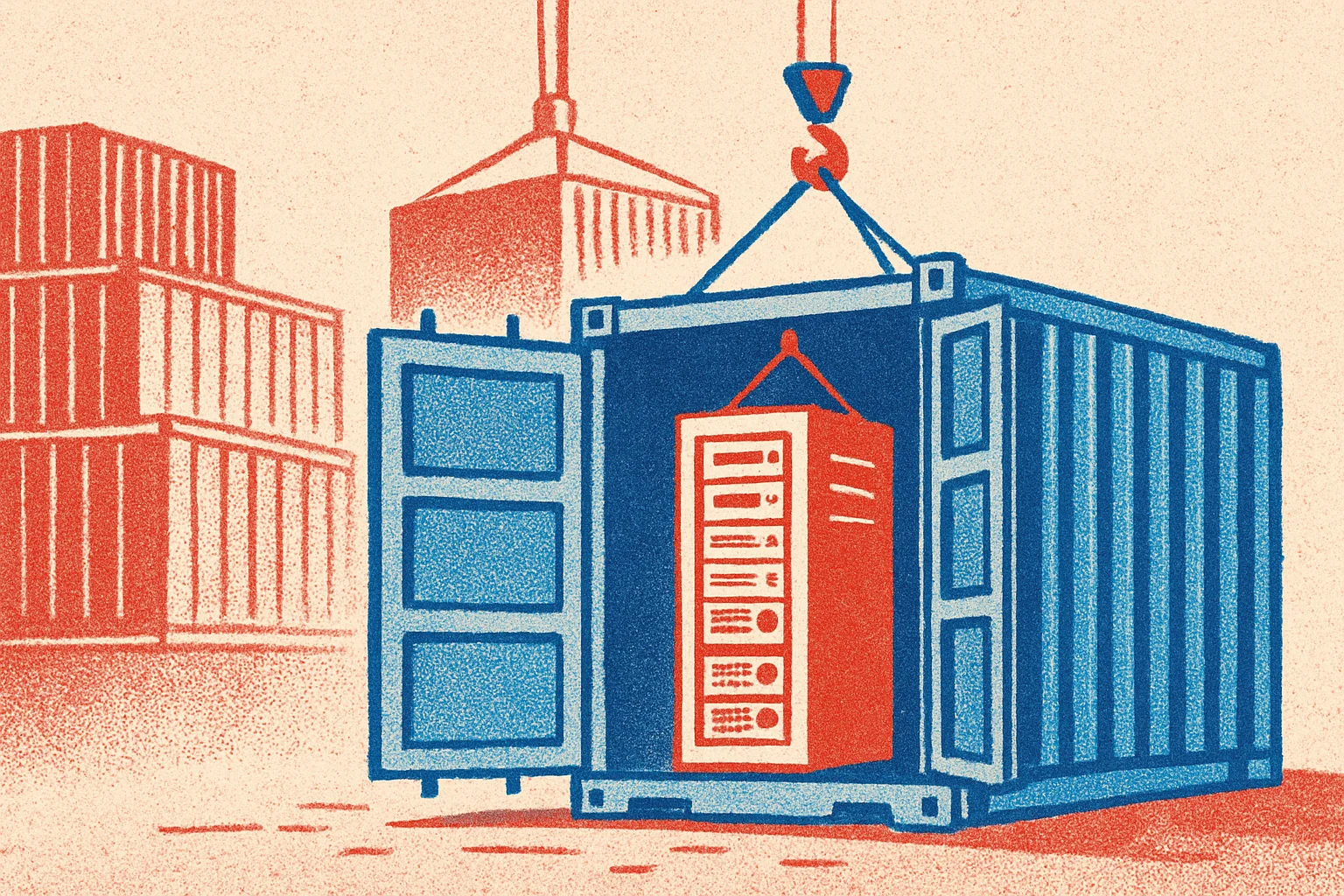
在 HCL 官方支援範圍外把 Domino 9.0.1 包進 Container — 社群可行性 PoC + 5 個一定會撞的坑
重點摘要
- HCL 官方 container image 只發 Domino 10.0.1 FP3 起(前篇講過官方兩條路)— 還在跑 9.0.x 的人在官方支援範圍外
- 社群 PoC 實證可行:RHEL UBI 7.9 base、兩階段 build、~1.48 GB image,能跑 9.0.1 FP10、加入既有 Domino domain、HTTP / NRPC / LDAP / IMAP / POP3 / SMTP 全部正常啟動
- 過程踩了 5 個 HCL docs 沒提的坑:Perl namespace bug / FP installer 不吃
-silent/ J9 JVM heap 不夠 / setup 完成 marker 找錯變數 /server.id密碼 stdin block - 完整 Dockerfile + entrypoint + troubleshooting 在
bryanHsiao/build-hcl-domino9-container公開 repo - ⚠️ 適用 dev/test、migration 預演、legacy server 保存 — 不取代生產既有 bare-metal/VM;自建 image 不在 HCL support 範圍
為什麼會有人想 containerize Domino 9
「都 2026 年了還有人在跑 Domino 9?」— 還真不少。
實務上常見的場景:
- 應用相容性鎖死 — 某個內部 XPages app 或 ISV 產品只認證到 9.0.x、客戶還沒做完升 V10/V14 的 regression test
- migration 預演 — 要從 9 升 14 之前、先在 dev 環境拿真實 data + container 化的 9 server 跑 dry run、確認 NSF compat / template upgrade / Notes client 行為都沒出包
- legacy server 保存 — 歷史業務(合規、稽核、員工離職前 archive)要保留一個能讀舊 NSF 的環境、但不想再養一台 VM
過去這些場景的標準解是「保留一台 Domino 9 VM」— 但 VM 維護成本不低(OS patching、備份、host 資源、IP 規劃)。如果能跑進 container 裡、就可以走 modern container workflow(image 進私有 registry、起得快、停得快、不佔常駐 host)。
問題是:HCL 官方 container image 沒給你 V9 版本。
HCL 官方的線在哪
前篇講過、HCL 官方 container 路線從 V10 起:
- Path A — 從 My HCLSoftware Portal 下載官方 pre-built container image TAR、
docker load - Path B — 用
HCL-TECH-SOFTWARE/domino-container開源 build tooling 自己 build
兩條路都從 Domino 10.0.1 FP3 起 — 9.0.x 全系列官方就是「unsupported but works」,沒 image、沒 build script、沒 docs。
想 containerize 9.x、剩下唯一路是完全自建:自己寫 Dockerfile、自己處理 9 的 silent install、自己解 setup wizard、自己 troubleshoot 沒 docs 的 corner case。
下面的 PoC 就是這條路走了一遍的 trace。
PoC 結果
環境:
- Host:Windows 11 + WSL2(Ubuntu 24.04 isolated distro)+ Docker Engine 29.5.2
- Base image:
registry.access.redhat.com/ubi7/ubi:7.9(Red Hat ELS 持續至 2028) - Domino version:9.0.1 base + Fix Pack 10
- Build:兩階段(builder → runtime)silent install + FP10 patch
輸出:
REPOSITORY TAG IMAGE ID SIZEdomino9 9.0.1fp10 a8b4c5d2e9f1 1.48GBruntime 驗證(透過 Notes Admin client 跑 remote setup wizard):
- ✅ Container 從 first-run listen mode 進 wizard、完成 server registration
- ✅ Server 重啟後正常進 daemon 模式、HTTP 回 200 OK
- ✅ 加入既有 Domino domain(既有
cert.id+ pre-registeredserver.id) - ✅ Tasks:HTTP / NRPC / LDAP / IMAP / POP3 / SMTP / Router / Replica 全部 normal start
- ✅ 從既有 production server replicate database 成功
Verdict per 9.0.x 次版本(節錄、完整在 repo 的 feasibility report):
| 版本 | Verdict |
|---|---|
| 9.0 Social Edition (2013) | inferred-risky(強制 RHEL 6 / 32-bit lib) |
| 9.0.1 base | verified-buildable |
| 9.0.1 FP1 ~ FP9 | inferred-buildable |
| 9.0.1 FP10 (2018) | verified-buildable — 本研究實機驗證 |
→ 建議的 baseline:9.0.1 FP10 + Server IF7 以上 + RHEL UBI 7.9
5 個一定會撞的坑
每個坑的 symptom(terminal output)、root cause、fix。
坑 #1:UBI 7 沒 hostname,install.pl 跳 Perl namespace bug
docker build 跑到 silent install 步驟、突然死在這:
Undefined subroutine &DingDong::out called at install.pl line 65為什麼:Domino 9 的 install.pl 第 65 行需要呼 hostname 跟 clear 命令;UBI 7 minimal image 預設沒 hostname 套件。InitCmds() 偵測到缺命令、要呼 out() 報錯 — 但 out() 定義在 package main::、呼叫位置卻在 package DingDong;、Perl 找不到就直接 die、錯誤訊息超難解。
解法:Dockerfile 多 yum install:
RUN yum install -y hostname ncurses procps-ng tar unziphostname 解第 65 行的核心問題;ncurses 給 clear / tput;procps-ng / tar / unzip 是後面 silent install 還會用到的常見缺漏。
坑 #2:FP installer 不接受 -silent flag
Base 9.0.1 install 跑了 ~7 分鐘 OK、接著跑 FP10 install 立刻死:
Usage: install [-script <scriptfile>]ERROR: unknown argument '-silent'為什麼:Base installer 接 -silent -options <file>;FP installer 只接 -script <file>、不認 -silent。兩個 binary 不同 spec、HCL 從來沒寫進同一份 docs。
解法:FP install 步驟用 -script 不加 -silent、同時設環境變數指向 base install 路徑:
ENV NUI_NOTESDIR=/opt/ibm/dominoRUN cd /tmp/fp10 && ./install -script script.dat坑 #3:內建 J9 JVM heap 不夠、wizard 接 client 時 OOM
Container 跑起來、開 Notes Admin client 連 serversetup -remote <host>:8585 走 wizard、Admin client 跳 “network error”。Container log:
java/lang/OutOfMemoryError為什麼:2013 年 Domino 9 內建 IBM J9 JVM、serversetup script 啟動 JVM 只傳 stack 參數 -ss512k -Xmso5M、完全沒設 heap upper bound (-Xmx)。J9 預設 heap 約 64 MB、wizard 要 load Swing GUI class 就直接撐爆。JAVA_TOOL_OPTIONS 環境變數對這版 J9 也無效(不認)。
解法:Dockerfile 用 sed patch serversetup script 第 168 行、塞 heap 參數:
RUN sed -i 's|"$JAVA" |"$JAVA" -Xmx512m -Xms128m |' \ /opt/ibm/domino/notes/latest/linux/serversetup坑 #4:Setup 完成 marker 是 Setup= 不是 ServerName=
Setup wizard 跑完、container 重啟、entrypoint 應該直接 start server — 但卻又跑了一次 wizard。
為什麼:很多容器化 Domino 範本(含 HCL 官方 V10+ 那條路)用 grep ServerName= notes.ini 判斷 setup 是否完成。Domino 9 根本不把 ServerName= 寫進 notes.ini、它寫的是 Setup=900100 這種 version code marker。entrypoint 找 ServerName= 永遠找不到、永遠以為 setup 沒完成、永遠進 listen mode。
解法:entrypoint 偵測改用正則對 Setup=<數字>:
if grep -qE "^Setup=[0-9]" "$NOTES_INI"; then exec "${DOMINO_HOME}/bin/server"else exec "${DOMINO_HOME}/bin/server" -listenfi坑 #5:Password-protected server.id 啟動時 stdin block
Setup wizard 完成、docker restart 進 normal mode、container 看起來起來了 — 但 HTTP 沒回應、CPU 0%。docker logs:
Enter password (press the Esc key to abort):為什麼:server.id 註冊時設了密碼、Domino 啟動會從 stdin 讀密碼。docker run -d 模式下沒 interactive stdin、prompt 就無限 block。
解法:entrypoint 從環境變數讀密碼、pipe 進 server stdin:
printf '%s\n' "${DOMINO_ID_PASSWORD}" | "${DOMINO_HOME}/bin/server" &執行時:
docker run -d -e DOMINO_ID_PASSWORD='your-passphrase' ...完整 troubleshooting(含其他 4 個次要坑、log 全文、修補 patch 細節)在 repo TROUBLESHOOTING.md。
想試試看?
需要的東西:
- HCL Domino 9 entitlement + FlexNet Portal 帳號 — 從 my.hcltechsw.com 下安裝包:
DOMINO_9.0.1_64_BIT_LIN_XS_EN.tar(~834 MB)+domino901FP10_linux64_x86.tar(~441 MB) - Linux host 或 WSL2 — Ubuntu 22.04/24.04、Debian 12、RHEL 9 都可
- Docker Engine 20.10+(tested to 29.x)
- ~5 GB 磁碟空間 + container 至少 2 GB RAM
大致流程:
git clone https://github.com/bryanHsiao/build-hcl-domino9-container.gitcd build-hcl-domino9-container/dockerfiles/domino9.0.1-fp10-ubi7
# 把下載的安裝包放進來cp /path/to/DOMINO_9.0.1_64_BIT_LIN_XS_EN.tar .cp /path/to/domino901FP10_linux64_x86.tar .
# Build(~10-12 分鐘)docker build -t domino9:9.0.1fp10 .
# Run(first-run listen mode、等 Notes Admin 接)docker volume create domino9-datadocker run -d --name domino9 --hostname domino9 \  -p 1352:1352 -p 80:80 -p 8585:8585 \  -v domino9-data:/local/notesdata domino9:9.0.1fp10
詳細 setup wizard 流程跟「加入既有 domain」走法在 repo BUILD.md 跟 ADDITIONAL-SERVER.md。
⚠️ 上路前要知道的邊界
這份 PoC 不是要取代既有 production server、也不是HCL official support 內。明確的使用範圍:
- ✅ 適用:內部 dev/test、migration 升 V14 之前的 dry run、legacy data 保存(讀舊 NSF)
- ❌ 不適用:production 取代既有 bare-metal/VM Domino 9 server(HCL 9.x EOM 2024-06、EOS 2026-06、自建 image 不在 support 範圍)
- ⚠️ License:HCL Domino EULA 沒明文禁止 container 部署、但也沒明文背書 9.x;自家 entitlement 的 PVU / Authorized User 計費可能要重新確認、請洽 HCL Support
- ⚠️ 散佈:build 出來的 image 含 Domino binary、不可推到公開 registry 或散佈給未持 entitlement 的對象;僅限內網私有 registry
- ⚠️ 問題重現:自建 container 出問題、HCL Support 要求先在認證 bare-metal/VM 重現才會接 case;請保留一台對照環境
→ 長期方向還是升上 Domino 14.5.1(Domino 2026) 走官方 container 路線;這份 PoC 給「卡在 9 一時動不了」的場景一條 dev/test 容器路。
小結
| 你的場景 | 走哪條路 |
|---|---|
| 跑 Domino V10+ | HCL 官方 V10+ container(Path A pull / Path B 用 HCL build script) |
| 還在 9.0.x、要 dev/test 或 migration 預演 | 這份 PoC — bryanHsiao/build-hcl-domino9-container |
| 9.x 想上 production container | 不建議 — 升 V14 後走 HCL 官方路 |
5 個坑(Perl namespace / FP installer flag / J9 heap / setup marker / server.id stdin)每個都是 docs 沒提、要踩過才知道的東西。這份 PoC 把這些踩坑經驗封裝成 reproducible Dockerfile、希望讓還卡在 V9 的人少走幾段冤枉路。
完整 build script、Dockerfile、troubleshooting、operations docs 都在 bryanHsiao/build-hcl-domino9-container — MIT license、PR welcome、no SLA。