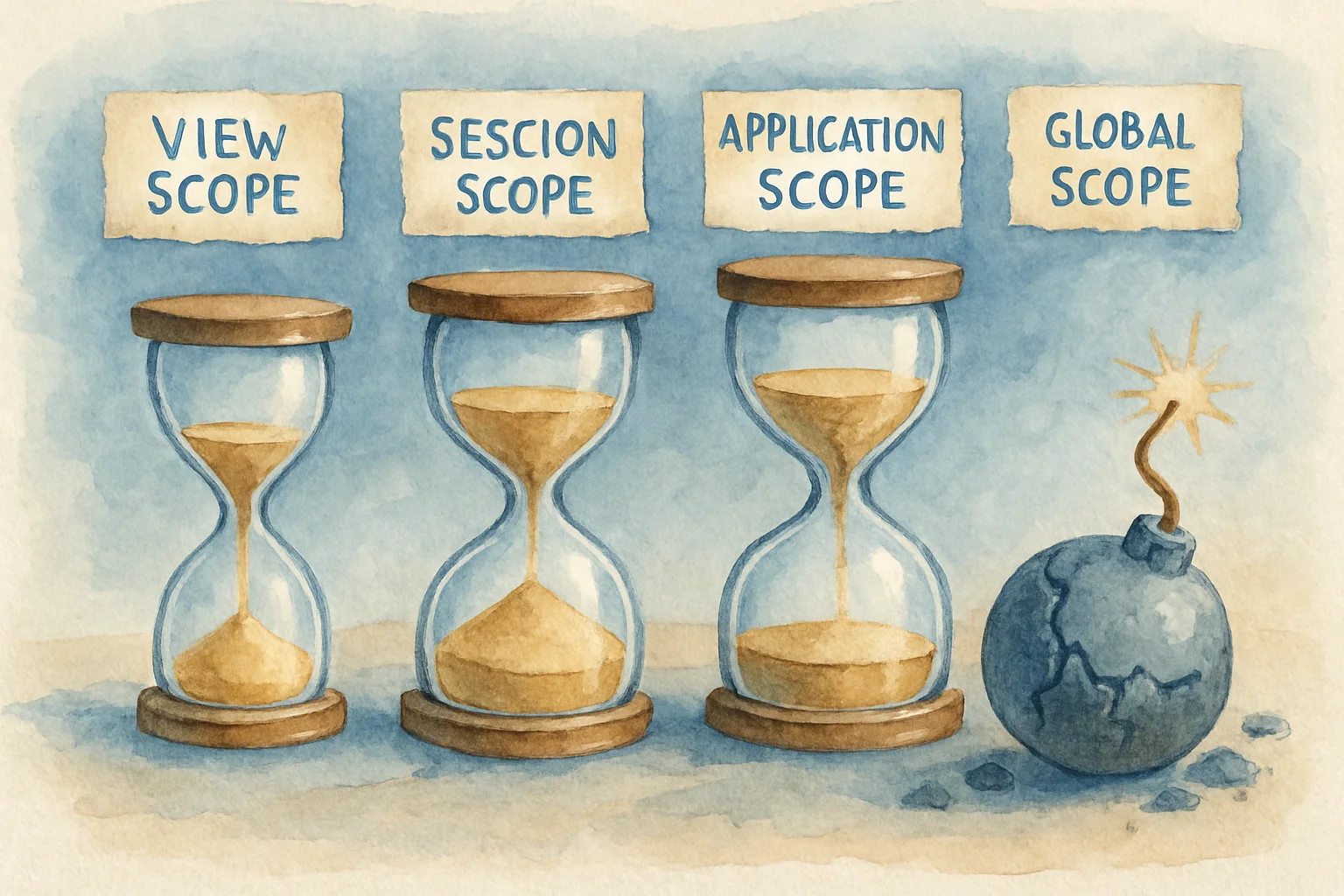
The Four XPages Scopes: How Long Each Lives, What to Put in Each, and What Blows Up
To make a document “survive one partial refresh,” you drop the NotesDocument from database.getDocumentByUNID(...) into viewScope. It works at first. A few clicks later the page throws java.io.NotSerializableException — or, harder to track down: a value you set in some scope is just gone on the next button click.
Both bugs have the same root: XPages has four scopes with wildly different lifetimes, and they get serialized to disk. Pick the wrong scope, or store the wrong thing in one, and you hit it.
This piece lays the four scopes out: how long each lives, how same-named variables resolve tightest-first, and what’s safe to put in each.
TL;DR
- Four scopes, four lifetimes:
requestScope(one request),viewScope(one page instance),sessionScope(one browser session),applicationScope(the whole application). - Names resolve tightest-first: for a same-named variable, the narrower scope wins — so qualify the scope explicitly when you read, don’t rely on implicit resolution.
- The sharpest trap: scopes are serialized to disk (“Keep pages on disk” is the default). Store something non-serializable — an SSJS function, or a Notes backend object (
NotesDocument/NotesView/NotesDatabase) — and you eventually getNotSerializableException, or quietly wreck the JSF cycle and memory. - Store primitive info instead: keep a document’s UNID, a view’s name, a database’s path — and re-fetch the object when you need it, don’t store the object.
- applicationScope is shared across all users (mind thread-safety and memory);
sessionScopeis the browser session, not the Notes user session; each scope is confined to its own NSF.
Four scopes, four lifetimes
HCL’s definition of the four scoped variables is terse:
These objects allow you to define global variables, where the scope is the duration of one service request, one session (until the user logs out), the life of the application, or the life of the view page.
Mapped out:
| Scope | Lives for | Typical use |
|---|---|---|
requestScope | one service request (including each partial refresh) | a temp value passed within this one request |
viewScope | one view page instance (survives refreshes of the same page; gone when you leave it) | per-page state: current selection, staged form values |
sessionScope | one session (until logout/timeout) | cross-page, single-user state: a cart, wizard progress |
applicationScope | the life of the application (until the app unloads / server restart) | data shared across all users, rarely changing: config, lookup caches |
Two easy misconceptions up front: sessionScope is the browser session (not the Notes user session); and each scope is confined to the current NSF — XPages apps each have their own ClassLoader, so applicationScope isn’t shared across NSFs.
Names resolve tightest-first: qualify the scope
When you write an unqualified variable name in SSJS or EL, XPages looks from the narrowest scope outward — requestScope → viewScope → sessionScope → applicationScope. So a narrower scope shadows a same-named variable in a wider one.
This bites in practice: you put a config in applicationScope, some page accidentally puts a config in viewScope, and that page reads the viewScope one instead of the global you meant. The fix is simple: read and write with the scope named explicitly — applicationScope.get("config"), not a bare config you’re gambling resolves the way you think.
// Explicit, predictablesessionScope.put("cartCount", 3);var n = sessionScope.get("cartCount");
// Dot syntax works too (equivalent)viewScope.selectedUnid = doc.getUniversalID();
The sharpest trap: serialization — don’t put Notes objects in scope
This is where scopes bite hardest. XPages serializes pages to disk by default (“Keep pages on disk” has been the default for new DBs since 8.5.2). The official wiki is blunt:
XSP server is using serialization to store the page into the disk. So if you have objects that are not serializable in your viewScope, it will fail writing these pages into the disk and throws the error:
java.io.NotSerializableException: 'some object type'.
What’s “not serializable” and blows up when stored in scope?
- SSJS functions — the wiki names them directly: “The most common type of unserializable object is SSJS functions.” Stash a function in scope and serialization fails.
- Notes backend objects —
NotesDocument,NotesView,NotesDatabase. The wiki’s words: “storing them into hashmaps will have toxic effects in the JSF cycles and memory management.” They’re C-layer objects (not pure Java/SSJS) with no automated GC, so they’re toxic to the JSF cycle and memory when stashed in scope — and being non-serializable, they fail that serialization step too (the same “not a pure Java/SSJS object” problem that forces you to recycle backend objects on the Java side).
The fix: keep only primitive, serializable info in scope, and re-fetch the object when you need it. The wiki’s mapping:
- To remember a document → store its UNID (a string); re-fetch with
database.getDocumentByUNID(unid). - To remember a view → store the view name, not the
NotesView. - To remember a database → store the file path, not the
NotesDatabase.
// ✗ Don't: a NotesDocument in viewScopeviewScope.doc = database.getDocumentByUNID(someUnid);   // NotSerializableException eventually
// ✓ Do: store the UNID, re-fetch when neededviewScope.docUnid = someUnid;// …later, in some event:var doc = database.getDocumentByUNID(viewScope.docUnid);
(Aside: the save conflict you get from mutating a datasource while separately saving a document on the back end is a different trap — see the XPages save-conflict piece.)
applicationScope is shared across all users
applicationScope has the longest life and widest reach — all users of the same NSF share one copy. Two things to mind:
- Memory: whatever you put in stays until the app unloads or the server restarts. It’s great as a lookup cache, but don’t pile in something that grows without bound (e.g. one record per user) — that’s a memory leak.
- Thread-safety: multiple users’ requests may read and write the same
applicationScopevalue concurrently. Read-only config is fine; anything written concurrently (a counter, say) you have to synchronize yourself.
sessionScope is one copy per browser session, accumulating as users arrive — likewise, don’t pile large things in without bound. The rule is one line: use the lowest scope that works. One page only → viewScope; one user across pages → sessionScope; genuinely global and rarely changing → applicationScope.
Clearing
A scope is a map, so you clear it like one:
sessionScope.remove("cartCount"); // one keysessionScope.clear(); // the whole sessionScoperequestScope needs no manual clearing (gone when the request ends); viewScope is reclaimed when you leave the page; sessionScope lasts until logout/timeout, so remove anything sensitive or large yourself.
What about LotusScript and Java?
Scopes are an XPages runtime concept, not a backend class — so there’s no LotusScript-agent equivalent (an agent has no request/view/session/application lifecycle container). Java (inside XPages) uses the same scopes: reach them through facesContext’s ExternalContext, or the Extension Library’s ExtLibUtil.resolveVariable(...), and you get the same requestScope / viewScope / sessionScope / applicationScope — what SSJS and Java put there is mutually visible, and the serialization limits are identical (so on the Java side, likewise keep Domino backend objects out of scope).