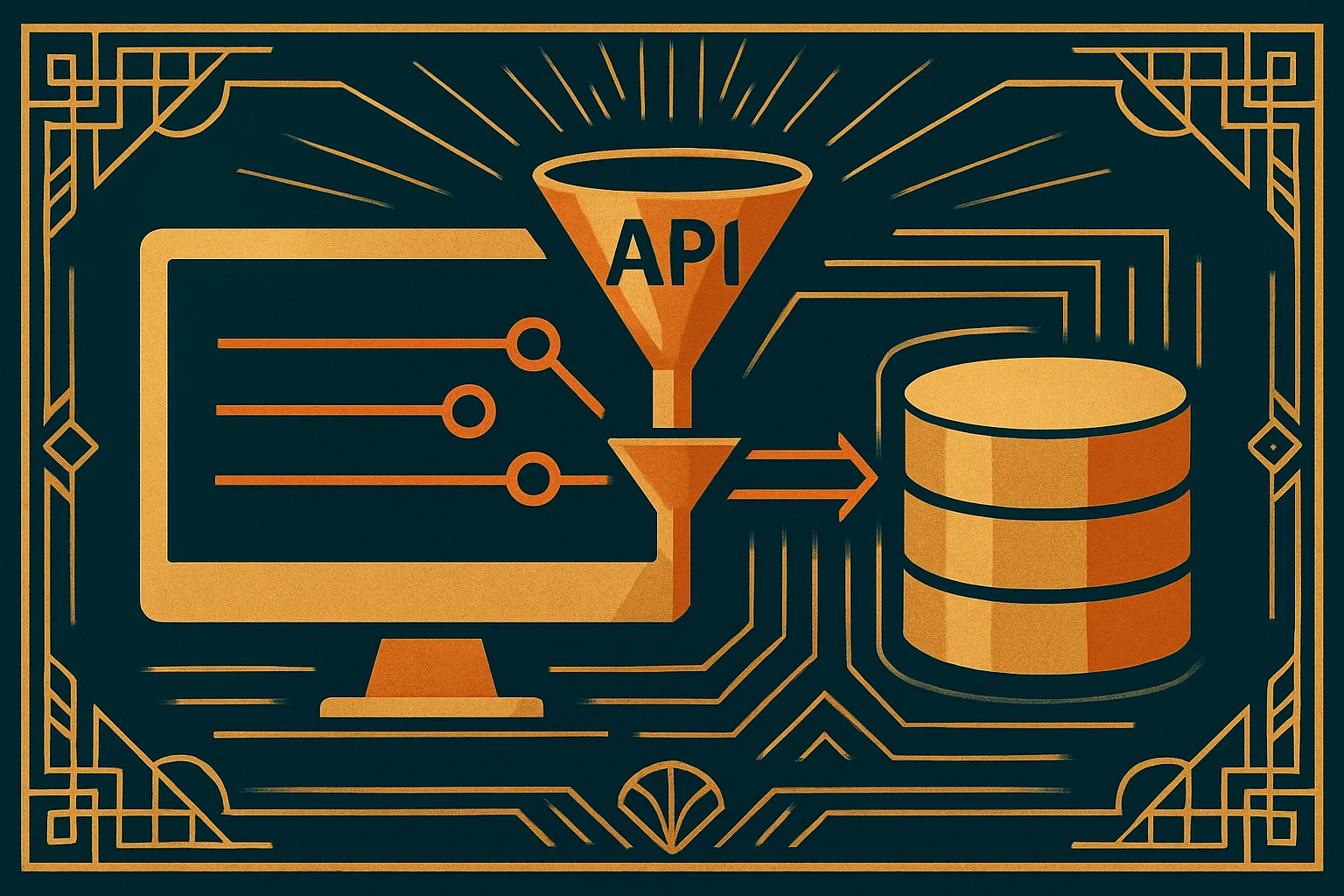
Getting Started with the Domino REST API: Turn NSF Data into Endpoints Any Language Can Call
You want a modern front end — React, Vue, a Python service, a Power Automate flow — to read and write data in Domino. Traditionally there were a few roads: package the data as web pages with XPages, let remote Java in over CORBA with DIIOP, or hand-roll a LotusScript web agent that spits out JSON. All three work, and all three make the caller meet Domino on its terms.
The Domino REST API (DRAPI, originally the KEEP project) flips that around: over your NSF it lays a standard REST/JSON API that anything speaking HTTP can call — no Notes knowledge, no Notes client required. This is part one of a DRAPI series; let’s set the whole picture first. (It’s a commercial Domino add-on you install separately; only its documentation is open source.)
TL;DR
- DRAPI is a REST API layer running on Domino. The docs define it as something that “provides a secure REST API with access to HCL Domino servers and databases,” on Windows, Linux, and Mac.
- It’s middleware, not a replacement. The docs say it “functions as middleware, connecting Notes and Domino to a contemporary REST like API consuming and producing mostly JSON data” — your NSF, design, and security model all stay; DRAPI just opens a REST door to them.
- Three building blocks to know first: scope / schema (mapping an NSF into REST endpoints), JWT (get a bearer token before you can call), and OpenAPI/Swagger (the whole API is self-described, explorable in a Swagger UI).
- Language-agnostic: the caller can be curl, Postman, JavaScript, Python — exactly what sets it apart from XPages / DIIOP / a hand-rolled agent.
- The API base path is
/api/v1, following the OpenAPI 3.0.x specification.
What DRAPI is
One official line says it best — it “provides a secure REST API with access to HCL Domino servers and databases while running on HCL Domino.” Two things matter in that sentence: it runs on Domino (not a separate server), and what it hands out is a standard REST API.
Architecturally the docs cast it as middleware: it “functions as middleware, connecting Notes and Domino to a contemporary REST like API consuming and producing mostly JSON data.” So your existing NSF, forms, views, and Readers-field security all stay untouched; DRAPI sits in front, translating “read a document” or “run a query” into REST calls and JSON, and Domino’s answers back into JSON for the caller.
How it differs from classic access
Exposing Domino data to the outside used to come with baggage, whichever road you took:
- XPages: the server computes data into HTML pages. Great for a web UI, but it isn’t a clean API for programs to consume — external systems want JSON, not a page of HTML.
- DIIOP (CORBA): remote Java connecting into Domino over CORBA. It gets you full back-end objects, but the client is heavy, the protocol is old, and it’s a legacy path fewer and fewer teams take.
- A LotusScript web agent spitting JSON: you write the agent, assemble the JSON by hand, manage the routing yourself, wire up the auth yourself. It works, but you’re hand-building an API — every endpoint is your maintenance debt.
DRAPI’s difference: it’s a standard REST API, maintained by HCL and described with OpenAPI. What the endpoints look like, what they take, what they return — it’s all in the OpenAPI definition; the caller doesn’t need to know Notes, just its usual HTTP tools. You stop “translating Domino for every external system” and instead “open one standard door and let them walk in.”
The three building blocks to know first
Before going deeper, three terms will keep coming up — get an impression of each now:
- scope / schema — the core DRAPI concept. An NSF isn’t automatically exposed as REST; you first define a schema (which forms, views, and fields go out), then attach it as a scope (an outward access boundary). A scope is the “this NSF is exposed with this set of rules” layer. Just remember it here; a later part covers it in full.
- JWT (bearer token) — almost every DRAPI call carries a token. You log in to the auth endpoint for a JWT, then send it in the header on every request. The auth part covers the details.
- OpenAPI / Swagger — the whole API self-describes under the OpenAPI 3.0.x spec, and ships a Swagger UI where you can browse endpoints, fill parameters, and fire a test call right in the browser. While getting started, the Swagger UI is your best exploration tool.
How to start
DRAPI isn’t there the moment you install Domino — it’s an additional piece to install and configure. The official getting-started guide lays the path out clearly:
- Install and configure: follow “Installation and configuration” to stand up DRAPI (the KEEP server) and do the production-ready setup.
- Log in for a token: the Capability Walkthrough’s first lab is “Lab 01 - Log in to the REST API” — get authentication working first.
- Explore with the Swagger UI: open the Swagger UI, see every endpoint at a glance, and fire your first request right there.
- Wire up your tools: the docs walk through the command line, Postman, curl, and the Admin UI — pick whatever you’re comfortable with.
The API base path is /api/v1; the auth, database, document, and query endpoints all hang beneath it.
Where this series goes next
This part is the big picture. The next few take it apart block by block: first authentication and tokens (how to get one, how to send it, how scope permissions are figured), then scopes and database access (how a schema maps an NSF into endpoints), document CRUD (create/read/update/delete in JSON, how items map), DQL and querying (running DQL over REST, reading views), and finally error handling and security (whether Readers fields still count over REST, and the common traps). Walk through it and you can expose an NSF cleanly as a modern set of APIs.