NotesDocumentCollection:LotusScript 文件集合的完整操作指南
你寫的 scheduled agent 最後幾乎一定長這樣:Set docs = db.FTSearch(...) 或 Set docs = db.Search(...)、然後 Do Until doc Is Nothing 走完、存檔、結束。
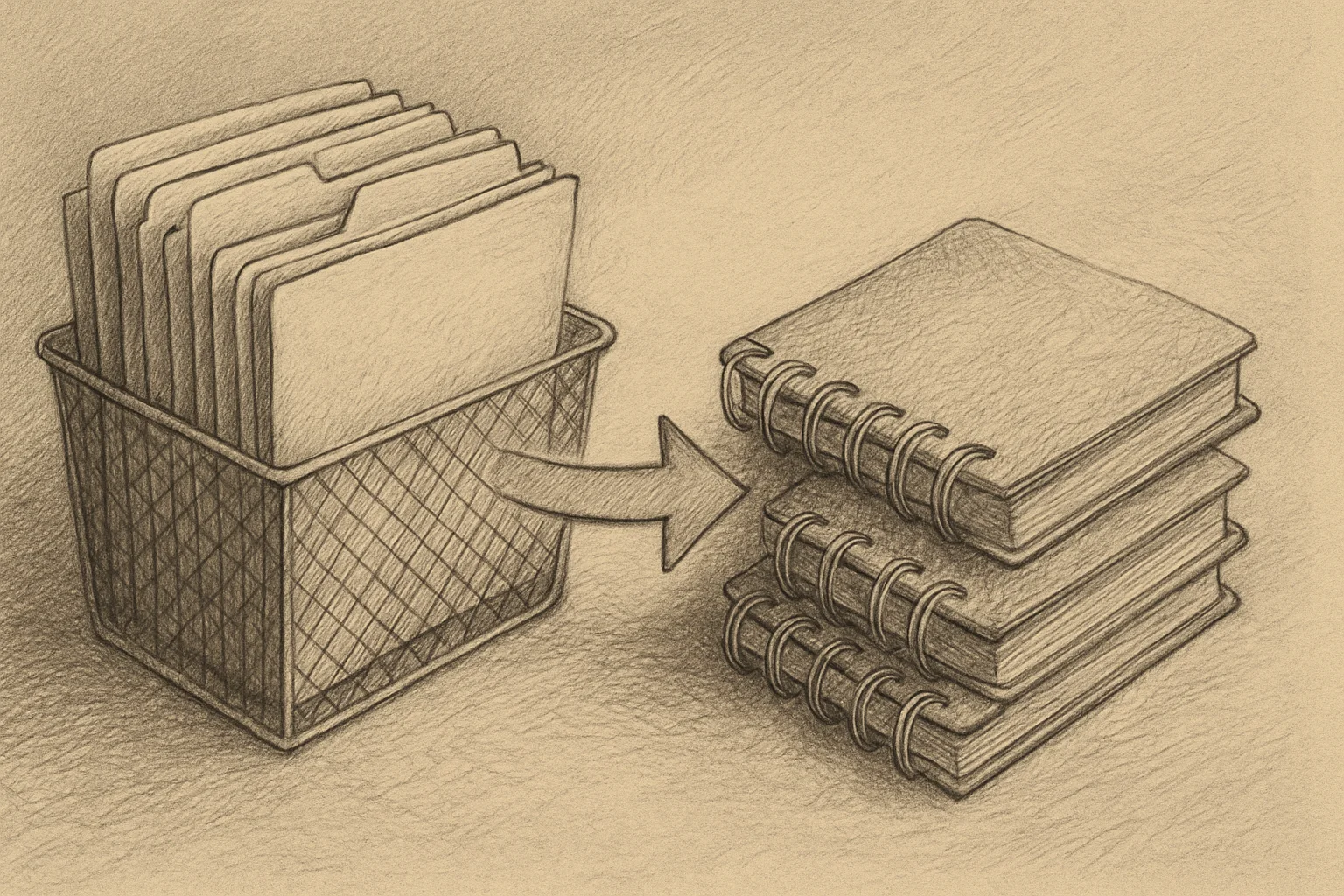
這個「走完」的物件就是 NotesDocumentCollection。Domino 裡幾乎每個「拿到一批文件」的操作都回傳它 — 但多數程式碼只用了它最基本的走訪功能。
這篇把 NotesDocumentCollection 完整拆一遍:七種取得 collection 的入口、五種走訪方式、集合運算(Intersect / Merge / Subtract)、批次操作(StampAll / RemoveAll)、以及幾個會讓你 debug 半天的陷阱。
重點摘要
NotesDocumentCollection是「某個條件下符合的文件快照清單」— snapshot、不是 live query- 建立入口有七個:
db.AllDocuments/db.Search/db.FTSearch/db.GetModifiedDocuments/db.GetAllReadDocuments/db.GetAllUnreadDocuments/db.GetProfileDocCollection - 走訪五種方法:
GetFirstDocument/GetNextDocument/GetPrevDocument/GetLastDocument/GetNthDocument(n) - 集合運算三個都是直接改原物件:
Intersect(取交集)/Merge(聯集加入)/Subtract(差集刪除)— 不是回傳新物件 StampAll可以批次寫值到所有文件、比逐文 loop 快很多RemoveAll的force參數決定並發修改時要不要還是刪 —True強制刪、False遇衝突跳過- 走訪中改文件要用 NoteID array、不要邊走邊改 collection(跟 db.Search 那篇一樣的陷阱)
七種取得 collection 的入口
| 入口 | 說明 | 版本 |
|---|---|---|
db.AllDocuments | 資料庫內全部文件(唯讀屬性) | 全版本 |
db.Search(formula, date, max) | @Formula 條件過濾(不需 FT index) | 全版本 |
db.FTSearch(query, max, sort, opts) | 全文索引搜尋 | 全版本 |
db.GetModifiedDocuments(since, noteClass) | 指定時間後有改動的文件 | 全版本 |
db.GetAllReadDocuments(user) | 指定使用者已讀文件 | 全版本 |
db.GetAllUnreadDocuments(user) | 指定使用者未讀文件 | 全版本 |
db.GetProfileDocCollection(name) | 指定名稱的 Profile 文件 | 全版本 |
取得後的物件都是同一個 NotesDocumentCollection 型別、操作 API 完全一致。
走訪五種方式
最常用的是 GetFirstDocument + GetNextDocument,但其他三種在特定場合更適合:
Dim docs As NotesDocumentCollectionSet docs = db.Search("Type = ""Order""", Nothing, 0)
' 正向走訪(最常用)Dim doc As NotesDocumentSet doc = docs.GetFirstDocument()Do Until doc Is Nothing    Print doc.GetItemValue("Subject")(0)    Set doc = docs.GetNextDocument(doc)Loop
' 反向走訪(從最後一筆開始)Set doc = docs.GetLastDocument()Do Until doc Is Nothing    Print doc.GetItemValue("Subject")(0)    Set doc = docs.GetPrevDocument(doc)Loop
' 隨機存取(直接跳第 N 筆、1-based index)Set doc = docs.GetNthDocument(1)   ' 第 1 筆Set doc = docs.GetNthDocument(docs.Count)  ' 最後一筆
GetNthDocument 對大 collection 效能差(每次 O(N) scan)、只在小 collection 或一次性取特定位置時用。大量隨機存取要先把 NoteID 抓到 array 再操作。
兩個重要屬性
Print "文件數:" & docs.Count ' 整數、唯讀Print "是否已排序:" & docs.IsSorted ' Boolean、唯讀Print "來源查詢:" & docs.Query ' String、唯讀IsSorted 只有來自 FTSearch 的 collection 才是 True(依相關性或日期排序)。來自 db.Search 的 collection 是 unsorted、走訪順序不保證。
集合運算三劍客
三個方法都是直接改原物件、不是回傳新物件:
Dim pending As NotesDocumentCollectionSet pending = db.Search("Status = ""Pending""", Nothing, 0)
Dim urgent As NotesDocumentCollectionSet urgent = db.Search("Priority = ""High""", Nothing, 0)
' Intersect:只留兩個都有的(Pending AND Urgent)pending.Intersect(urgent)' pending 現在只有既是 Pending 又是 Urgent 的文件
' Merge:把 urgent 裡有但 pending 沒有的加進來pending.Merge(urgent)' 等同聯集
' Subtract:從 pending 刪掉 urgent 裡有的pending.Subtract(urgent)' 等同差集
三個都可以接 NotesDocumentCollection、NotesDocument、NotesViewEntry、NotesViewEntryCollection 作為參數 — 但必須來自同一個資料庫、跨庫操作會拋錯。
實戰組合:FTSearch + 集合運算接力
' 先用 Search 取結構化條件Dim orders As NotesDocumentCollectionSet orders = db.Search("Type = ""Order"" & Status = ""Open""", Nothing, 0)
' 再用 FTSearch 在這批裡面文字過濾Call orders.FTSearch("urgent", 0)
' 進一步排除已被標記的Dim flagged As NotesDocumentCollectionSet flagged = db.Search("Flagged = ""1""", Nothing, 0)orders.Subtract(flagged)
Print "最終急單數:" & orders.Count
詳細的 FTSearch 用法見FTSearch 三層 API 那篇;collection.FTSearch 的官方 signature 只有兩個參數(query、maxDocs)、沒有 sortopt / options。
StampAll — 批次寫值
StampAll 是把同一個欄位值批次寫到 collection 裡所有文件的 method — 比逐文走訪快、也省很多程式碼:
' ❌ 冗長、慢Dim doc As NotesDocumentSet doc = docs.GetFirstDocument()Do Until doc Is Nothing    doc.Status = "Processed"    Call doc.Save(True, False)    Set doc = docs.GetNextDocument(doc)Loop
' ✅ 直接一行Call docs.StampAll("Status", "Processed")
StampAll(itemName, value) 會自動儲存每份文件(不需另外呼叫 doc.Save)。
要寫多個欄位用 StampAllMulti(itemNames(), values()):
Dim fields(1) As StringDim vals(1) As Stringfields(0) = "Status"fields(1) = "ProcessedBy"vals(0) = "Processed"vals(1) = "agent/ACME"Call docs.StampAllMulti(fields, vals)StampAll 陷阱:collection 是 snapshot
StampAll 完成後、原 collection 的 Count 不變、GetFirstDocument 走訪拿到的文件也是已 stamp 後的值 — 但原本的篩選條件已不成立:
Set docs = db.Search("Status = ""Pending""", Nothing, 0)Print docs.Count        ' 假設 50 筆
Call docs.StampAll("Status", "Processed")
' 重新 search 看現在有幾筆 PendingDim newDocs As NotesDocumentCollectionSet newDocs = db.Search("Status = ""Pending""", Nothing, 0)Print newDocs.Count     ' 0(剛才都改了)Print docs.Count        ' 還是 50(snapshot 沒變)
詳見 db.Search 那篇的 snapshot 陷阱段。
RemoveAll — 批次刪除文件
RemoveAll(force) 把 collection 裡的文件從磁碟刪除(不是只從 collection 移除、那個是 DeleteDocument):
force 值 | 行為 |
|---|---|
True | 即使其他人在 agent 執行中修改了這份文件、也強制刪除 |
False | 其他人修改過的文件不刪、跳過(較安全) |
Dim toDelete As NotesDocumentCollectionSet toDelete = db.Search("Status = ""Expired"" & @Created < [01/01/2020]", Nothing, 0)
Print "預計刪除:" & toDelete.Count & " 筆"
' 生產環境建議 force=False、避免刪到剛好被別人改的文件Call toDelete.RemoveAll(False)
⚠️ 這個操作不可逆(除非有備份或 DAOS 保護)。Production code 在 RemoveAll 前通常先 confirm count、必要時記 log。
其他常用方法
| 方法 | 說明 |
|---|---|
AddDocument(doc) | 把一份文件加進 collection(不影響磁碟) |
DeleteDocument(doc) | 從 collection 移除一份文件(不刪磁碟) |
Clone() | 複製一份新 collection(同樣是 snapshot) |
Contains(doc) | 確認某份文件在不在這個 collection 裡 |
PutAllInFolder(name) | 把全部文件放進指定資料夾 |
RemoveAllFromFolder(name) | 把全部文件從指定資料夾移除 |
MarkAllRead() | 把全部文件標為已讀 |
MarkAllUnread() | 把全部文件標為未讀 |
UpdateAll() | 把全部文件標為 agent 已處理 |
PutAllInFolder / RemoveAllFromFolder 的資料夾名稱不存在時會自動建立(PutAllInFolder)或直接成功不報錯(RemoveAllFromFolder)。
走訪中修改的安全寫法
跟 db.Search 一樣 — 走訪過程中修改文件可能導致跳過或重複處理。安全做法:先把 NoteID 凍結、再走 array:
' 凍結 NoteID listDim noteIds() As StringReDim noteIds(docs.Count - 1)Dim doc As NotesDocumentSet doc = docs.GetFirstDocument()Dim i As Integeri = 0Do Until doc Is Nothing    noteIds(i) = doc.NoteID    i = i + 1    Set doc = docs.GetNextDocument(doc)Loop
' 走 array 安全改For i = 0 To UBound(noteIds)    Set doc = db.GetDocumentByID(noteIds(i))    If Not (doc Is Nothing) Then        doc.ReplaceItemValue "Status", "Processed"        Call doc.Save(True, False)    End IfNext
刪除存根(Deletion Stub)
取得 collection 之後、如果資料庫裡有文件在這段期間被刪除或你沒有讀取權限、走訪時還是會看到一個「刪除存根」物件(deletion stub)。判斷方法:
Set doc = docs.GetFirstDocument()Do Until doc Is Nothing If doc.IsDeleted Then ' 跳過刪除存根 Else ' 正常處理 Print doc.GetItemValue("Subject")(0) End If Set doc = docs.GetNextDocument(doc)Loop批次處理長時間跑的 agent 常遇到這個 — 其他使用者在 agent 執行中刪文件、就會出現 stub。
跟 NotesNoteCollection 的差別
兩個 class 都是「一批東西的集合」、常被混淆:
NotesDocumentCollection | NotesNoteCollection | |
|---|---|---|
| 成員型別 | NotesDocument(文件) | 任何 note 型別(文件、設計元件、設定文件等) |
| 建立方式 | db.Search / db.FTSearch 等 | db.CreateNoteCollection |
| 主要用途 | 業務文件操作 | DXL export、設計元件管理、跨類型掃描 |
| 走訪 | GetFirstDocument 等 | GetFirstNoteID 等 |
日常業務邏輯幾乎都用 NotesDocumentCollection;NotesNoteCollection 在自動化管理(DXL export、設計更新)時才需要(見站上 NotesNoteCollection 那篇)。
同類別在其他語言
| 語言 | 對應 |
|---|---|
| LotusScript | NotesDocumentCollection |
| Java | lotus.domino.DocumentCollection(去掉 Notes 前綴、用完要 .recycle()) |
| SSJS | documentCollection(XPages 內可直接呼叫、API surface 一致) |