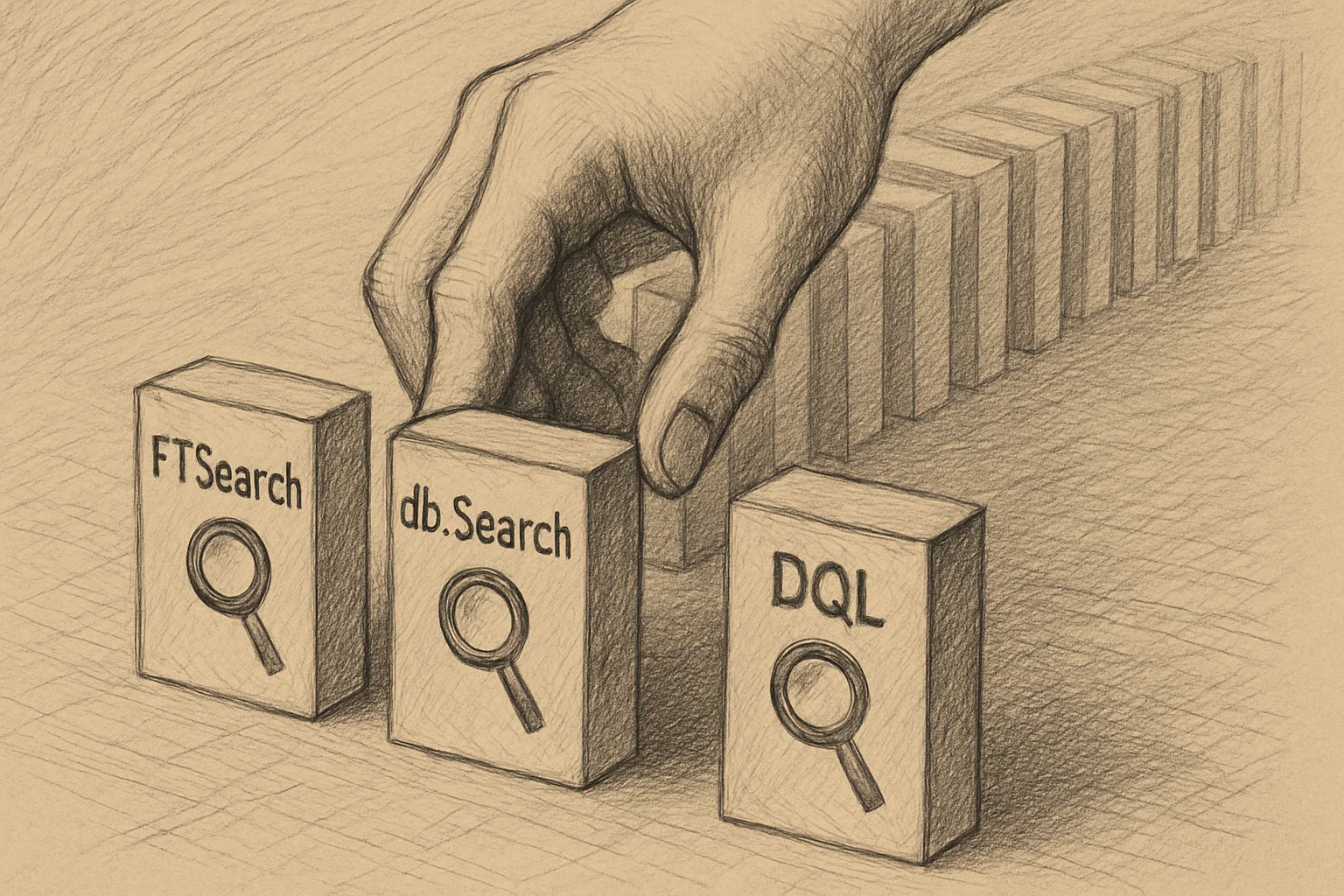
FTSearch vs db.Search vs DQL: Choosing the Right Domino Search Mechanism
Since Domino 14, there are three technical paths for document search: FTSearch rides a text index, db.Search brute-forces with @Formula, and DQL builds a structured query plan. All three can return the documents that match your conditions — but their performance models, index costs, and dataset sweet spots differ by orders of magnitude. Picking the right one saves you hours on a batch or hundreds of milliseconds per request; picking wrong is unrecoverable, no amount of formula tuning fixes it.
Which one fits your situation? The combination of three questions — how big is the database, is the condition text or structured, how frequently does the query run — determines the answer.
This is the capstone of the search trilogy: a multi-dimensional comparison table, a decision tree, Domino 14’s integration of @FTSearch() as a DQL term, and three practical scenarios (ad-hoc lookup, scheduled agent, high-frequency REST API) mapped to recommended paths.
TL;DR
- Since Domino 14, there are three search paths: FTSearch (FT index), db.Search (@Formula full scan), and DQL (design catalog + NIF + bulk readers query).
- The three fundamentally differ: FTSearch uses a text index (great for “contains keyword X”); db.Search evaluates a formula per document (great for “complex predicate, small database”); DQL builds a structured query plan (great for “large database, frequent queries”).
- Domino 14 integrated FTSearch into DQL — use
@FTSearch('query')as a DQL term and combine with structured terms via Boolean operators. - No silver bullet — each has strong and weak modes; picking wrong can cost orders of magnitude in performance.
- The decision tree has three questions: How large is the database? Is the condition text or structured? Do you need ordering?
- An underused combination: narrow with
db.Searchon structured fields first, thencollection.FTSearchfor text refinement — the sweet spot for medium-sized databases.
What each path actually does
The dimensions below are organised from HCL’s Collecting documents by searching conceptual page plus the three method reference pages.
| Dimension | FTSearch | db.Search | DQL |
|---|---|---|---|
| Data structure | Inverted full-text index (separate file / folder) | None — scans documents themselves | Design catalog + NIF index + optional view re-use |
| Query language | FT query string (AND/OR/NOT/CONTAINS/wildcards) | @Formula (@Contains / @Modified / @IsAvailable etc.) | DQL (SQL-like, 'view'.column = X) |
| Best-fit condition shape | Text content search | Arbitrary @Formula logic | Structured field filtering |
| Performance model | O(matched terms), index lookup | O(N) full scan | O(matched index entries) via explain plan |
| Index cost | FT index takes disk; admin must build | No index needed | Design catalog maintenance; NIF for view-based |
| Result ordering | Default by relevance; date-sort opt-in | Unsorted | Sorted when using a view base; unsorted for bare-field |
| Max results | Default 5,000 cap; notes.ini to raise | Truly unlimited | Truly unlimited |
| Live vs snapshot | Snapshot collection | Snapshot collection | Snapshot collection |
| Available in | LotusScript / Java / SSJS / DQL term | LotusScript / Java / SSJS | LotusScript / Java / REST API / Notes Client F9 |
| Readers field handling | Applied (filters out denied docs) | Applied | Bulk readers query mode — performance boost |
Key observations:
Where FTSearch fits
- Strong:
FTSearch’s text search throughput, relevance scoring, stem / thesaurus support - Weak: structured predicates (
Total > 1000) are awkward, 5000 default cap, depends on FT index maintenance - Sweet spot: searching free-text fields (Subject / Body / Comments) and returning the most relevant top-N
Where db.Search fits
- Strong:
db.Searchneeds no index, formula expressiveness, thedateTimecursor for incremental processing - Weak: O(N) performance, no UI / lookup @functions, unsorted results
- Sweet spot: legacy systems where admin won’t build indexes, low-frequency ad-hoc queries, scheduled agents using the incremental pattern
Where DQL fits
- Strong: large-table performance, SQL-like readability,
'view'.columnrides NIF index, explain plan for tuning, bulk-readers-query optimization - Weak: catalog maintenance, Domino 12+ floor, some @functions unsupported, tuning requires understanding the explain plan
- Sweet spot: high-frequency structured queries, REST API backends, large NSFs (million-document range)
DQL itself has a dedicated three-part deep dive (Getting Started / Pitfalls / Production); this article doesn’t repeat that detail.
Decision tree — three questions
How big is the database?├─ Small (<10K docs)│ └─ Condition shape?│ ├─ Pure text → FTSearch│ └─ Structured → db.Search│├─ Medium (10K–100K docs)│ └─ Query frequency?│ ├─ High (>10 / min) → DQL│ └─ Low / one-off → either, but DQL preferred│└─ Large (>100K docs) └─ Condition shape? ├─ Pure text → FTSearch (index mandatory) ├─ Structured → DQL └─ Both → DQL + @FTSearch termThis tree is a first-order heuristic. Real situations also depend on:
- Whether FT index is buildable — admin policy / disk limits may eliminate FTSearch outright
- Whether the path is via REST API — that forces DQL (the Domino REST API backend is DQL)
- Whether ordering matters — FTSearch’s built-in relevance / date sort is convenient; the others require manual sorting
Domino 14’s integration: DQL @FTSearch()
Domino 14 brought FTSearch into DQL — use @FTSearch('query') or @FTS(...) as a DQL term, combining it with structured conditions via Boolean operators:
@FTSearch('urgent') AND Status = 'Open'IN ALL ('CustomersByCountry') OR @FTS('[name] < (b)')@FTSearch('[TextField1] = (hello)') AND DateField1 > @dt('2026-06-12T04:17:31-04:00')Key rules, quoted from the docs:
- “The function name is case-insensitive.” —
@FTSearchor@FTSboth work - “@FTSearch() is a standalone term that returns the set of documents which matches the given full-text query, meaning that you cannot use any operators after it, only Booleans.” —
@FTSearch(...) >= 100is invalid syntax; the comparison goes in its own termANDed in - “The maximum query string size is 256 bytes.” — the inner FT query string is length-capped
- “The syntax rules … is the same as the FTSearch() function in LotusScript/Java classes and the C API” — the query operators from Part 1 carry over directly
The significance: you no longer need a two-step chain (db.Search then collection.FTSearch, or FTSearch then LotusScript filtering) to express text + structured conditions. One DQL query does it.
But note: DQL @FTSearch still requires an FT index — no automatic fallback to scan. Production code can check db.IsFTIndexed up front; otherwise admin-side index maintenance remains a prerequisite.
Three real scenarios mapped to paths
Scenario 1: one-off ad-hoc lookup
“Customer service told me a customer complained their order from last week never arrived — can you find it?”
' db.Search is the right tool: simple conditions, runs onceDim cutoff As New NotesDateTime("")Call cutoff.SetNow()Call cutoff.AdjustDay(-7)
Set docs = db.Search( _    "Type = ""Order"" & @Contains(CustomerEmail; ""@" & customerDomain & """)", _    cutoff, 0)
Why db.Search wins:
- One-off, O(N) cost isn’t a problem
- Mix of
@Contains(text) andType =(structured) - Not worth building an FT index for one query
Scenario 2: scheduled agent processing new documents
“Every 30 minutes, push new high-priority orders to an external system”
' db.Search + dateTime cursor — incremental processingSet docs = db.Search( _ "Type = ""Order"" & Priority = ""High"" & Status = ""New""", _ lastRunCursor, 0)' ...same shape as Part 2's incremental agent exampleWhy db.Search wins:
- The
dateTimecursor is a natural incremental marker - Each run sees only the delta — O(N_new), not O(N_total)
- Structured predicate, formula syntax flows
Scenario 3: high-frequency REST API backend
“The customer portal’s search page expects 1000+ req/min, supporting keyword and filter combos”
@FTSearch('keyword') AND Status = 'Open' AND Total > 1000Why DQL @FTSearch wins:
- High frequency → O(N) scan is dead on arrival
- Keyword path rides FT index, filter path rides NIF
- One DQL query expresses everything — no two-step chaining
- The Domino REST API backend is DQL natively
When the answer is “none of the three”
Sometimes the question “which search?” needs to be re-asked as “do we need to search?”:
- If you’re looking up a single document by stable key — use
db.GetDocumentByUNID()orview.GetDocumentByKey(), not a search - If the data is already shaped as a view with the right sort / filter — walk the view directly;
NotesViewNavigatoris faster (see the NotesViewNavigator article) - If the access pattern is via a non-Domino REST API — caching upstream often beats searching per request
Search isn’t always the answer — every search layer costs another “NoteID set scan”. This series is a guide for “when you really do need to search, here’s how to pick”, not encouragement to search reflexively.
Series wrap-up
This search trilogy plus the DQL trilogy cover Domino’s document-search surface end to end:
| Series | Topic |
|---|---|
| Part 1: FTSearch | The three-tier text-index API |
| Part 2: db.Search | @Formula full scan |
| Part 3: Choose-one decision (this article) | Comparison + tree + DQL @FTSearch integration |
| DQL Getting Started | SQL-like query syntax |
| DQL Pitfalls | Six query-writing details |
| DQL Production | catalog / permissions / sessionAsSigner |
Picking the right search saves orders of magnitude in performance — picking wrong, no amount of formula tuning recovers it. The detail of every path is laid out across these six articles; in practice you check the right cell of the table for your situation.